
Hot desking software people can actually use without thinking about it
See who’s in. Find the right desk on the office map. Book it in seconds.
Hot desking fails when finding a desk becomes work
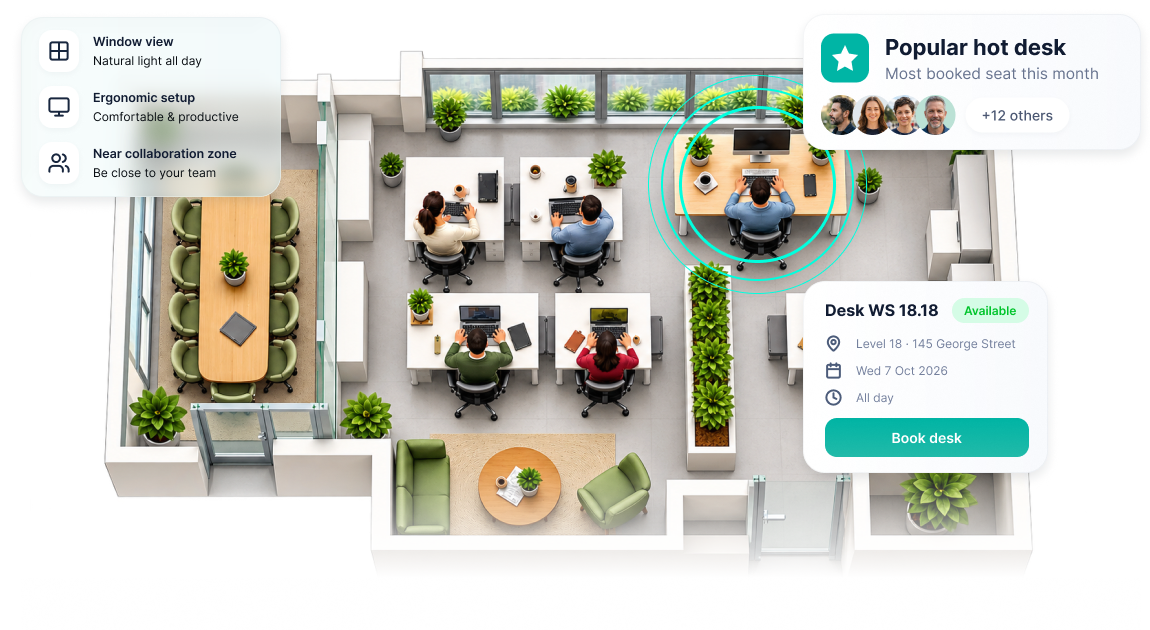
Employees shouldn’t arrive wondering where they can sit. And they shouldn’t have to book “Desk 4B” without knowing where it is, who sits nearby or whether it has what they need.
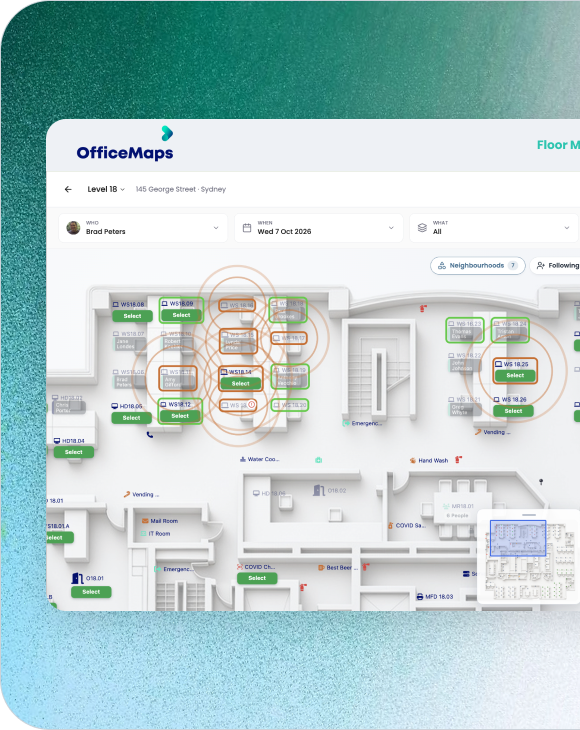
With OfficeMaps, employees can open the office map, see available desks, find their colleagues and choose where they want to work.
Find the desk that works for your day

See availability on the map
Know what’s free and where it is before you arrive.

Sit with the people you need
See who’s in and find a desk near your colleagues.

Filter for what matters
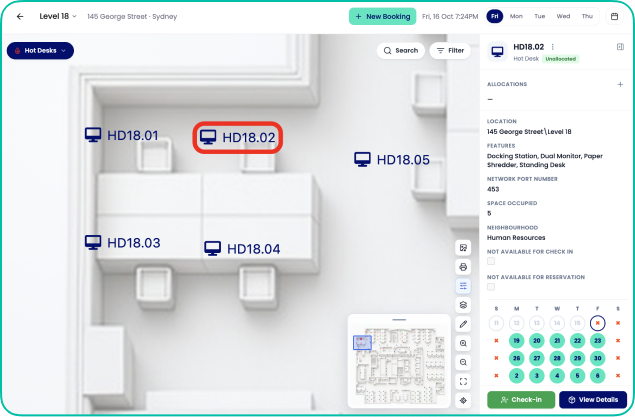
Find desks based on requirements such as standing desks, dual monitors or accessibility.

Book across devices
Reserve through web, mobile or Microsoft 365.

Check in when you arrive
Confirm the desk is actually being used.
Keep flexibility without losing control of the floor
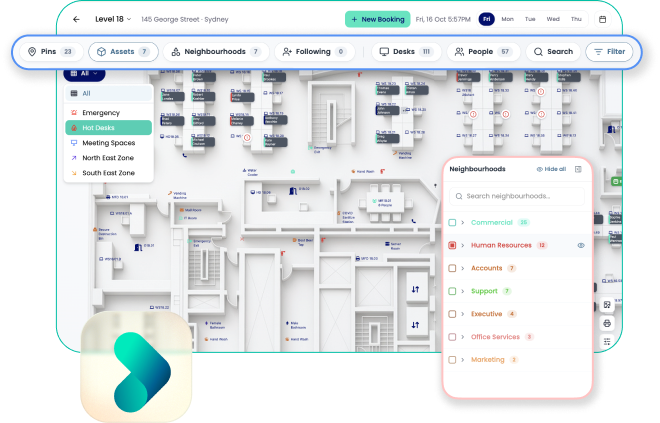
Create team neighbourhoods to give departments their own areas while keeping desks bookable.

Set how far in advance employees can reserve
Control which desks are available for booking
Keep permanently assigned and flexible desks in the same workplace
And when needed, administrators can manage bookings on behalf of employees.
Flexible for employees. Controlled by workplace teams.
Stop letting no-shows make a full office look fuller
Someone books a desk for Tuesday

Tuesday arrives. They don’t
Without check-ins, everyone else still sees that desk as unavailable.
OfficeMaps can require employees to check in and release reservations when they don’t arrive within your configured timeframe.
That puts unused desks back into circulation instead of leaving them blocked by ghost bookings.
Know whether hot desking is actually saving space
Hot desking shouldn’t just change how employees book. It should tell you something about how much space you need.
OfficeMaps workplace analytics helps teams understand:
Desk occupancy and utilisation
Where desks are consistently underused
No-show patterns
Demand across floors and locations
Utilisation by team neighbourhood
Peak office days
If HR has 12 desks and regularly uses three while another team is consistently full, you can see it and change the allocation.
Hot desking without turning the whole office into hot desks
OfficeMaps can support permanent desks, shared desks and team neighbourhoods within the same workplace.
Use hot desking where it makes sense. Keep assigned seating where it doesn’t.
From “Where am I sitting?” to booked in seconds
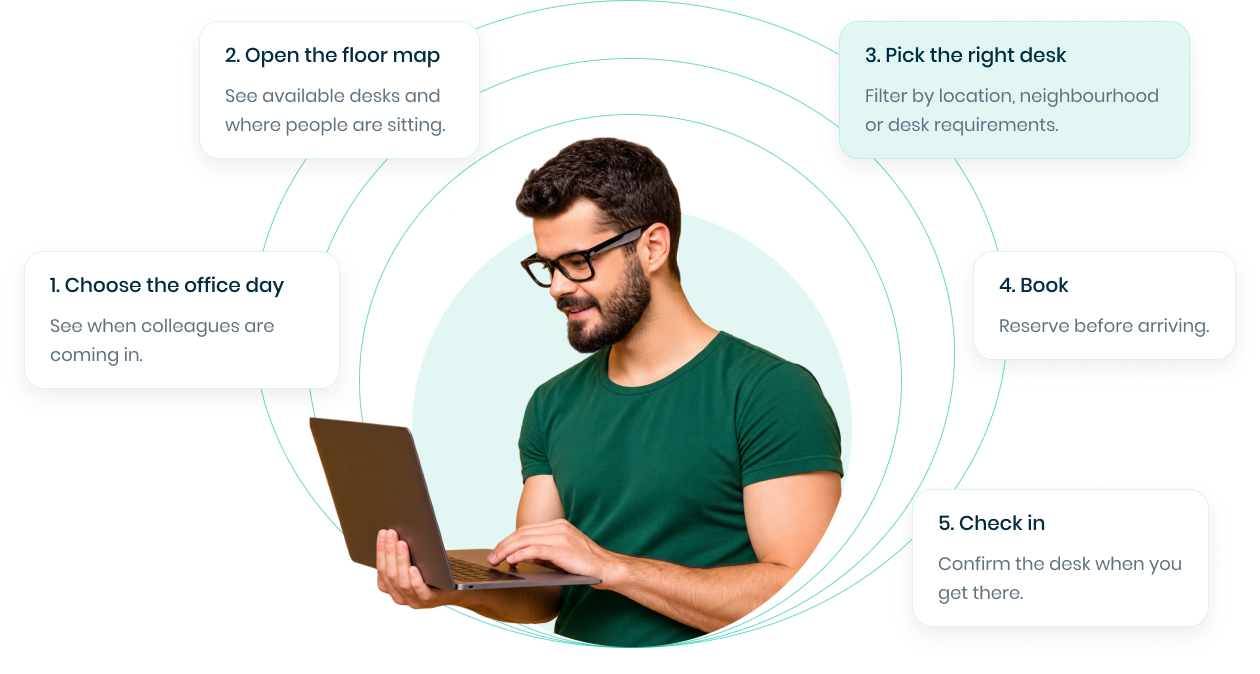
That’s the entire employee experience.
Hot desking only works if people want to use the system.
Make finding, booking and using a shared desk simple for employees. Keep the rules, space and data visible to the teams running the workplace.