
Workplace scheduling software that helps teams plan better office days
See who’s coming in, choose when to work from the office and book the spaces you need for the day.

Coming into the office is a better decision when you know who’ll be there
Hybrid work changed the question from: “Are you in the office?” To: “Which day are you coming in?”
OfficeMaps gives employees visibility into upcoming office days, colleagues and workplace availability before they make the trip.
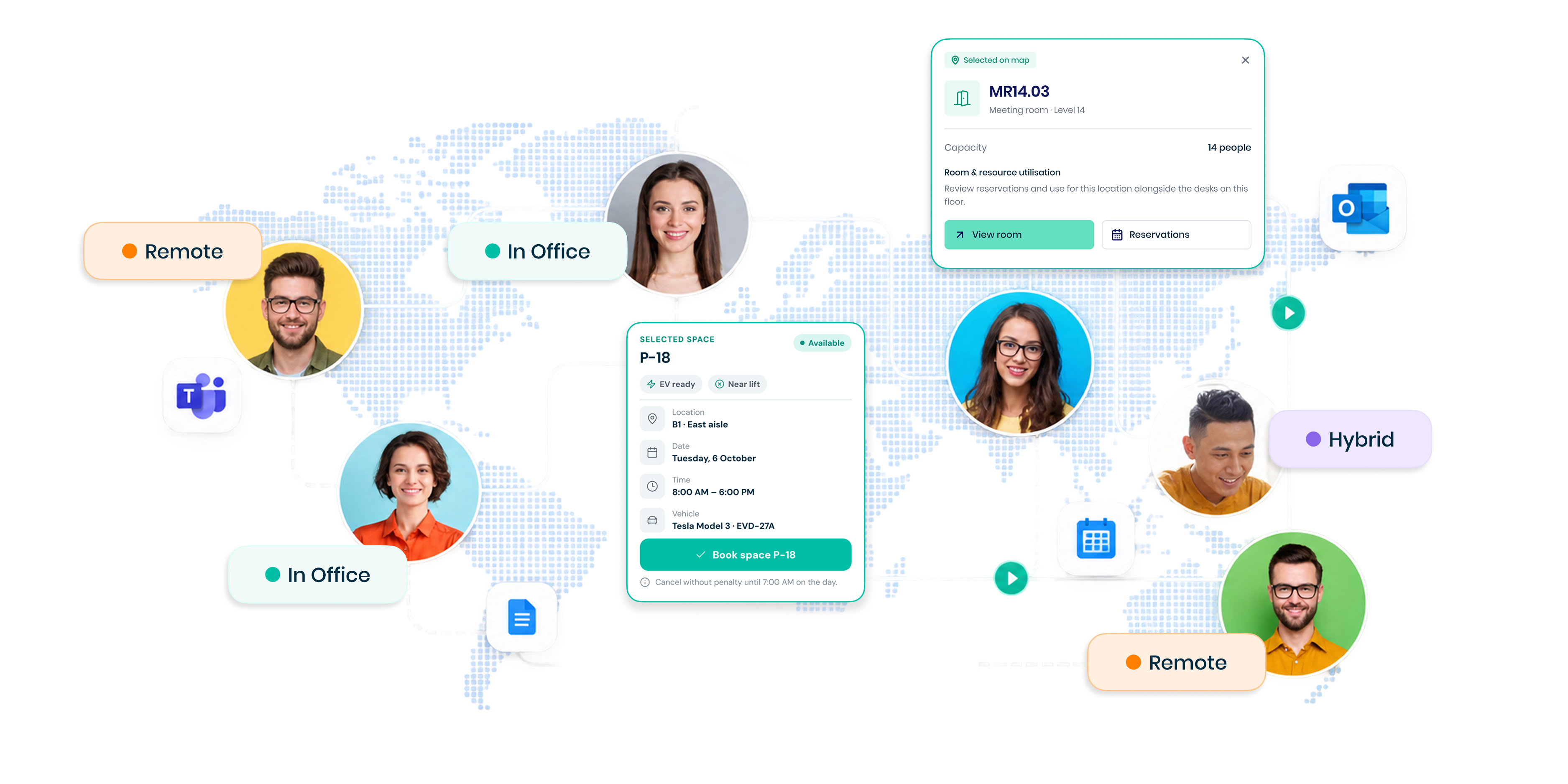
See who’s coming in. Find where they’ll be. Plan your day around the people you need to work with.
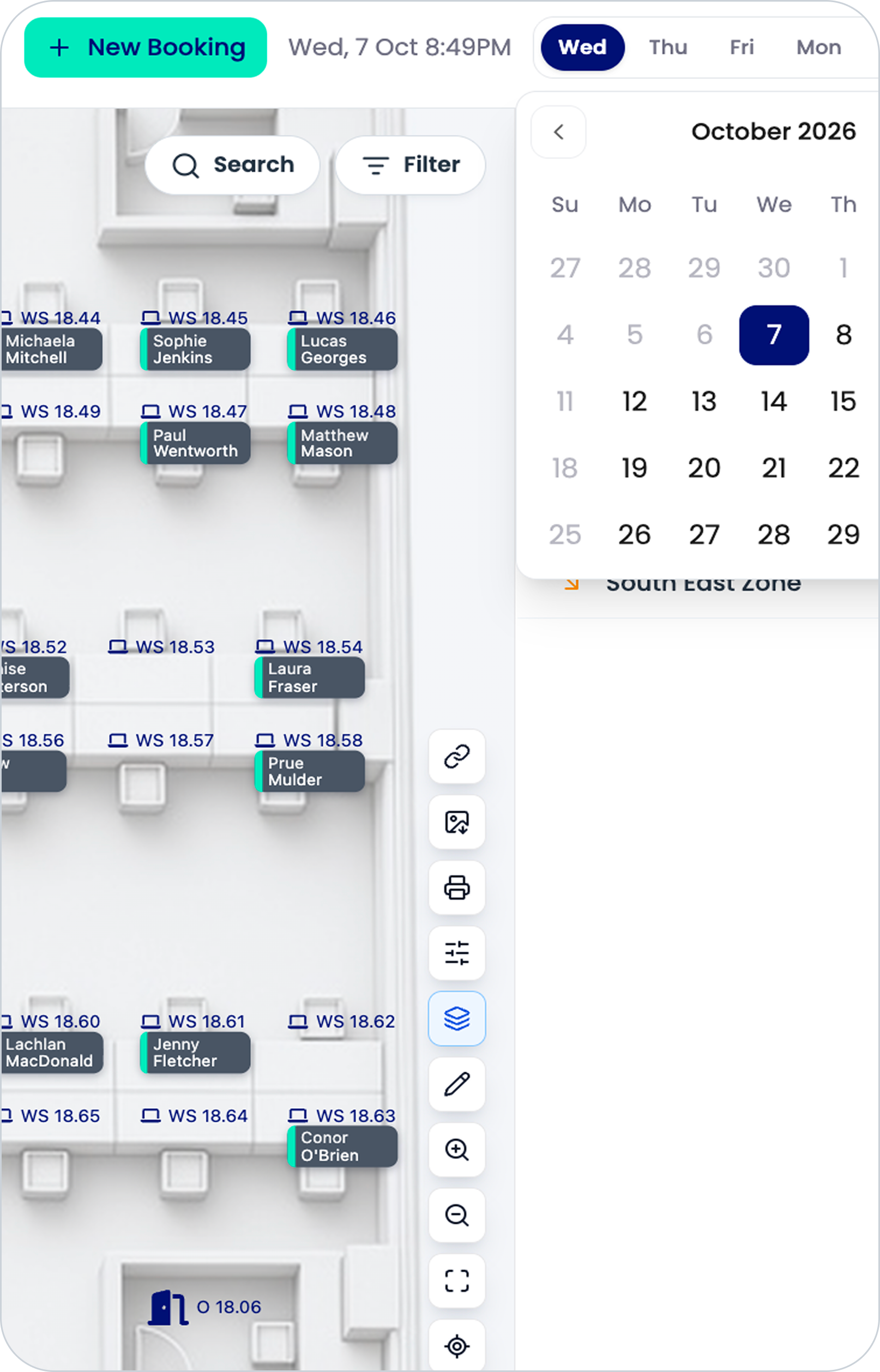
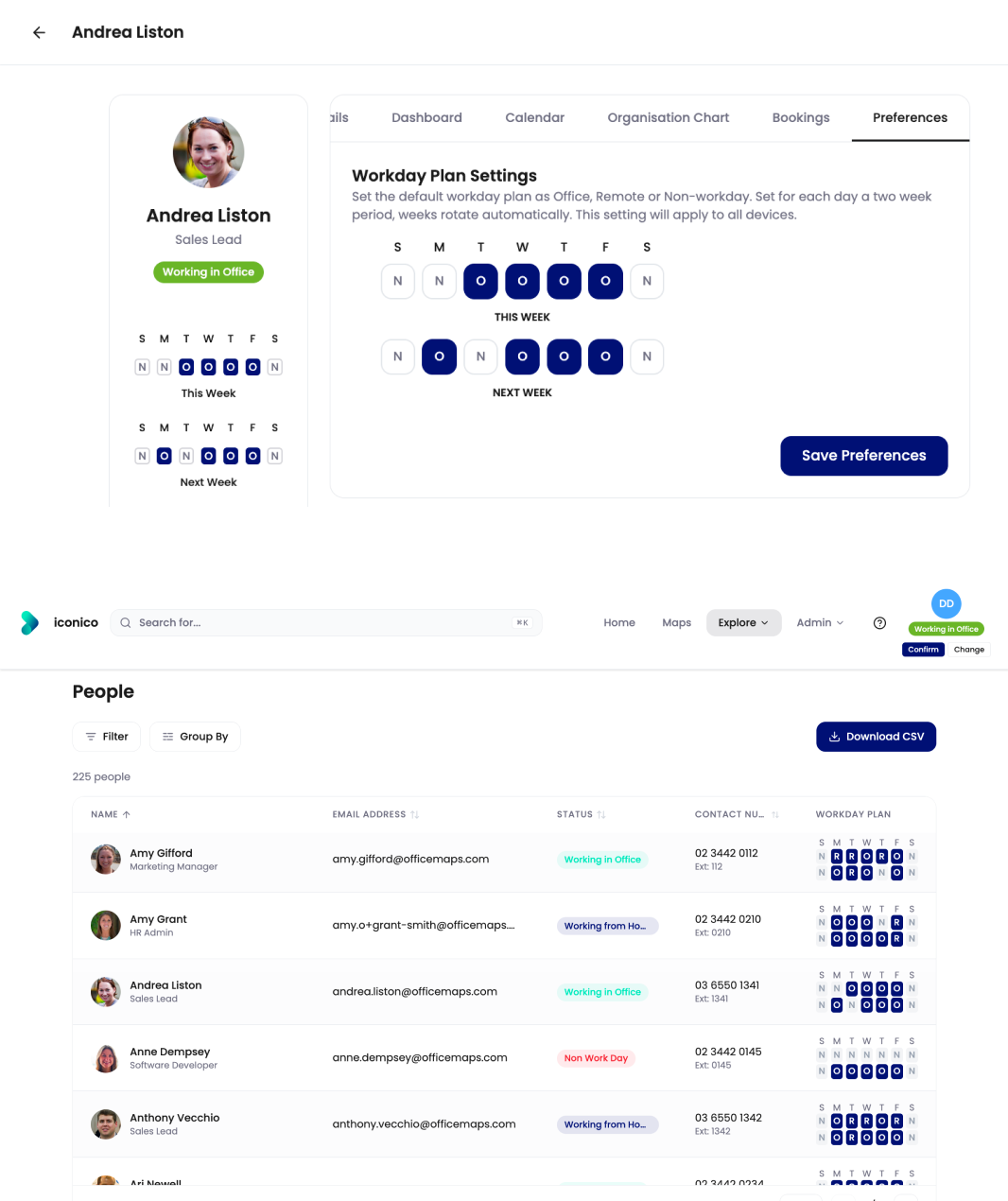
See who’s in today. And who’s coming in tomorrow.
OfficeMaps gives employees visibility into where colleagues are working, helping teams coordinate their office days without another round of messages
Before coming in, employees can check:
who else is planning to be in the office
where colleagues are working
which office or location they’re using
what workplace spaces are available
So people can make more informed decisions about when an office day is actually worth the commute.
Plan the day.
Then book what you need.
Choosing an office day is only the beginning. OfficeMaps connects workplace scheduling with the resources employees need once they arrive.
 Book a deskFind an available workspace
for the day. Reserve a car parkKnow where you’re parking
before you leave home.
 Find meeting spacesSee workplace spaces available
for your day. Find your colleaguesSee where the people you
need are working.
One place to plan the office day from arrival to where you’ll work.
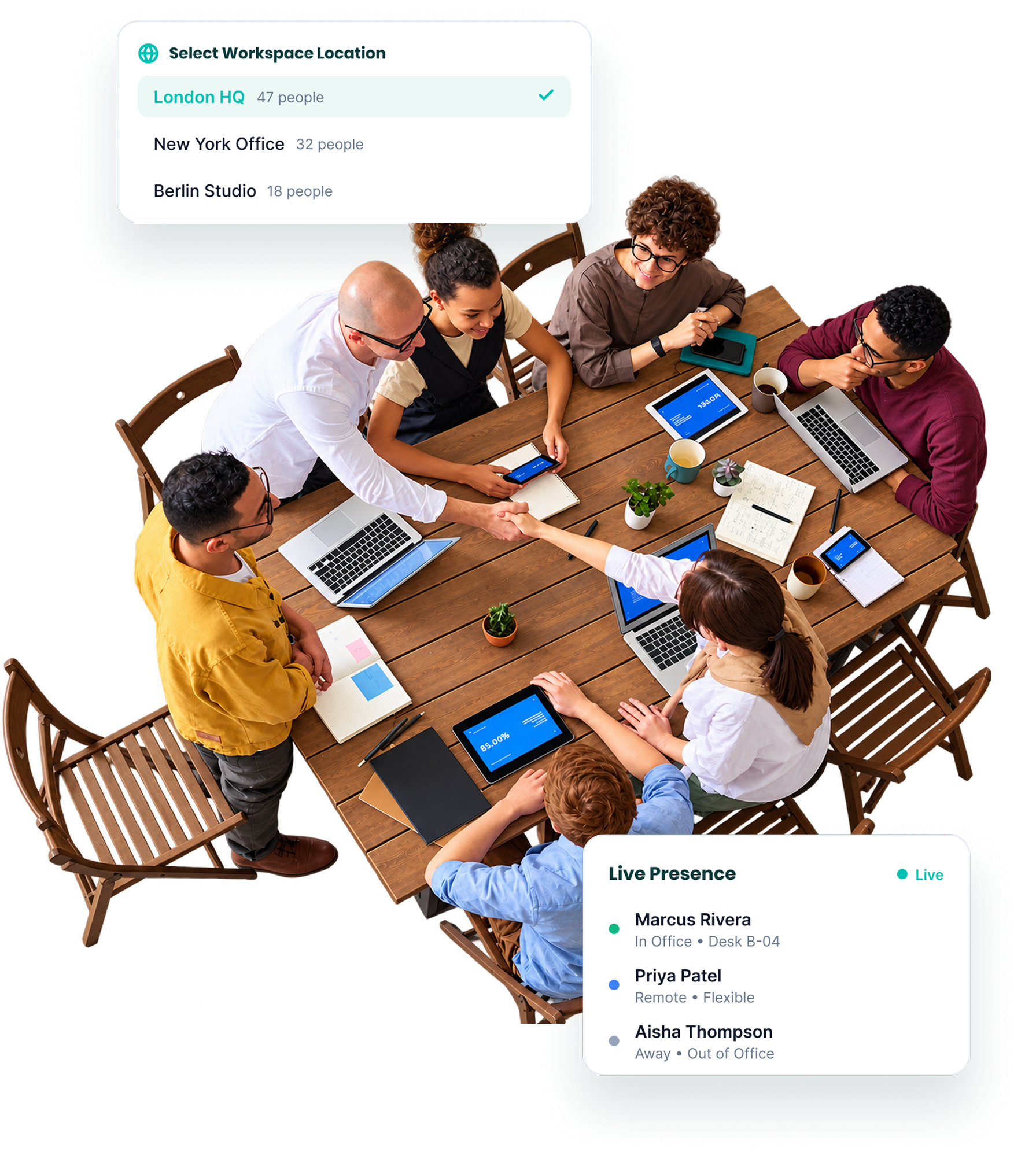
Coordinate people without forcing everyone onto the same schedule
Hybrid teams don’t always need rigid office days. They do need visibility.
OfficeMaps helps employees see when colleagues are coming into the workplace, making it easier for teams to coordinate face-to-face work while keeping flexibility over individual schedules.
Make workplace scheduling visible on the map
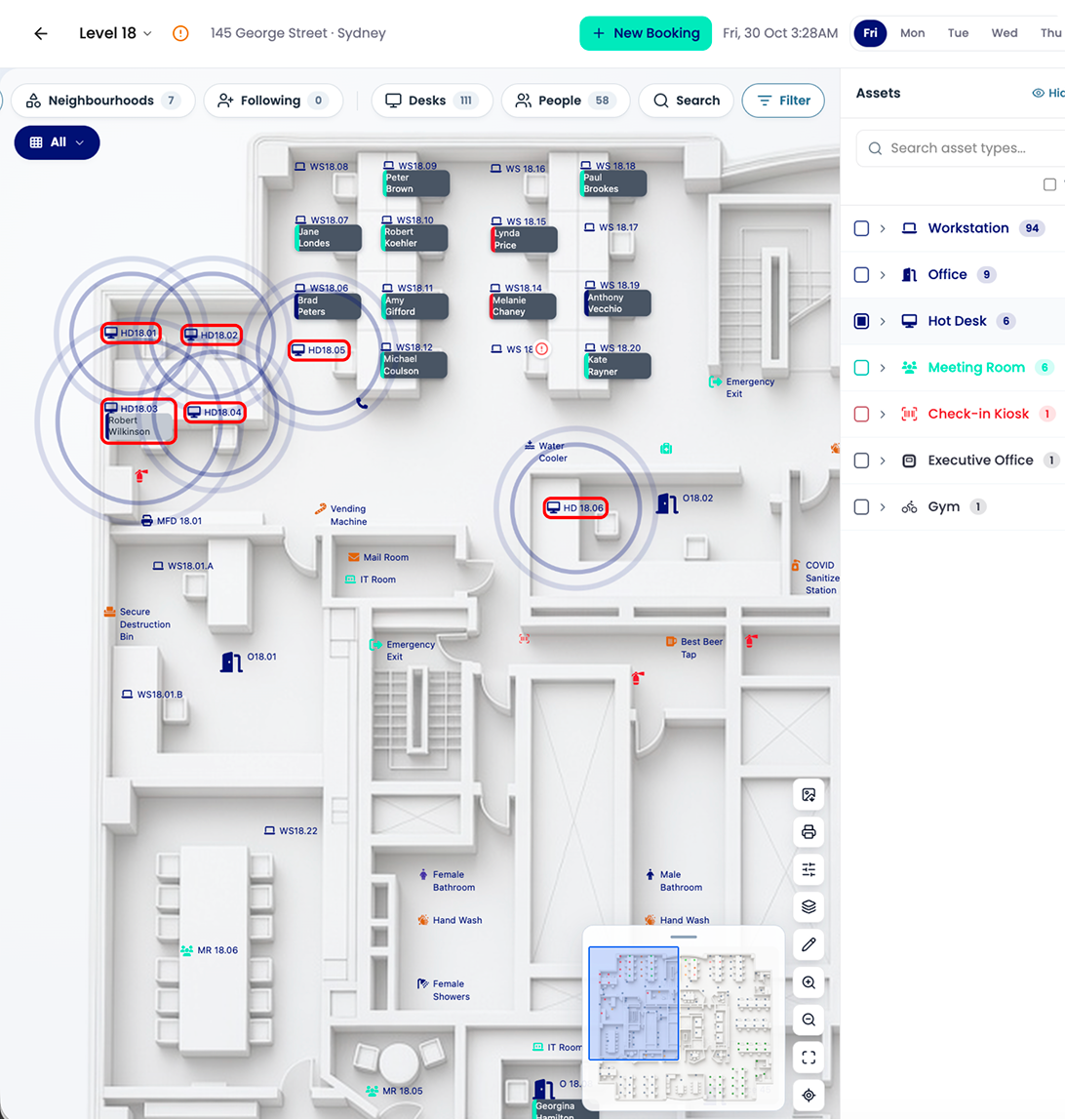
Knowing that someone is “in the office” is useful. Knowing where they’ll be is better.
OfficeMaps connects employee presence with interactive workplace maps, helping people locate colleagues, desks and workplace resources across floors and locations.
Explore Interactive Office MapsKnow whether the workplace has room for the day you’re planning
Popular office days can fill quickly. OfficeMaps connects workplace scheduling with desk availability and booking forecasts, giving employees and workplace teams greater visibility into upcoming demand.
Employees can find available spaces before arriving. Workplace teams can see where future demand is building. That means fewer surprises when everyone chooses the same Tuesday.
Give workplace teams a view of what’s coming
Workplace scheduling isn’t only useful for employees. Booking and attendance patterns help facilities and workplace teams understand how demand changes throughout the week.
See which days attract more people
Understand where capacity may become tight
Identify quieter locations and neighbourhoods
Compare upcoming bookings with available space.
Use those patterns to plan the workplace around how people actually work.
Schedule across offices, not spreadsheets
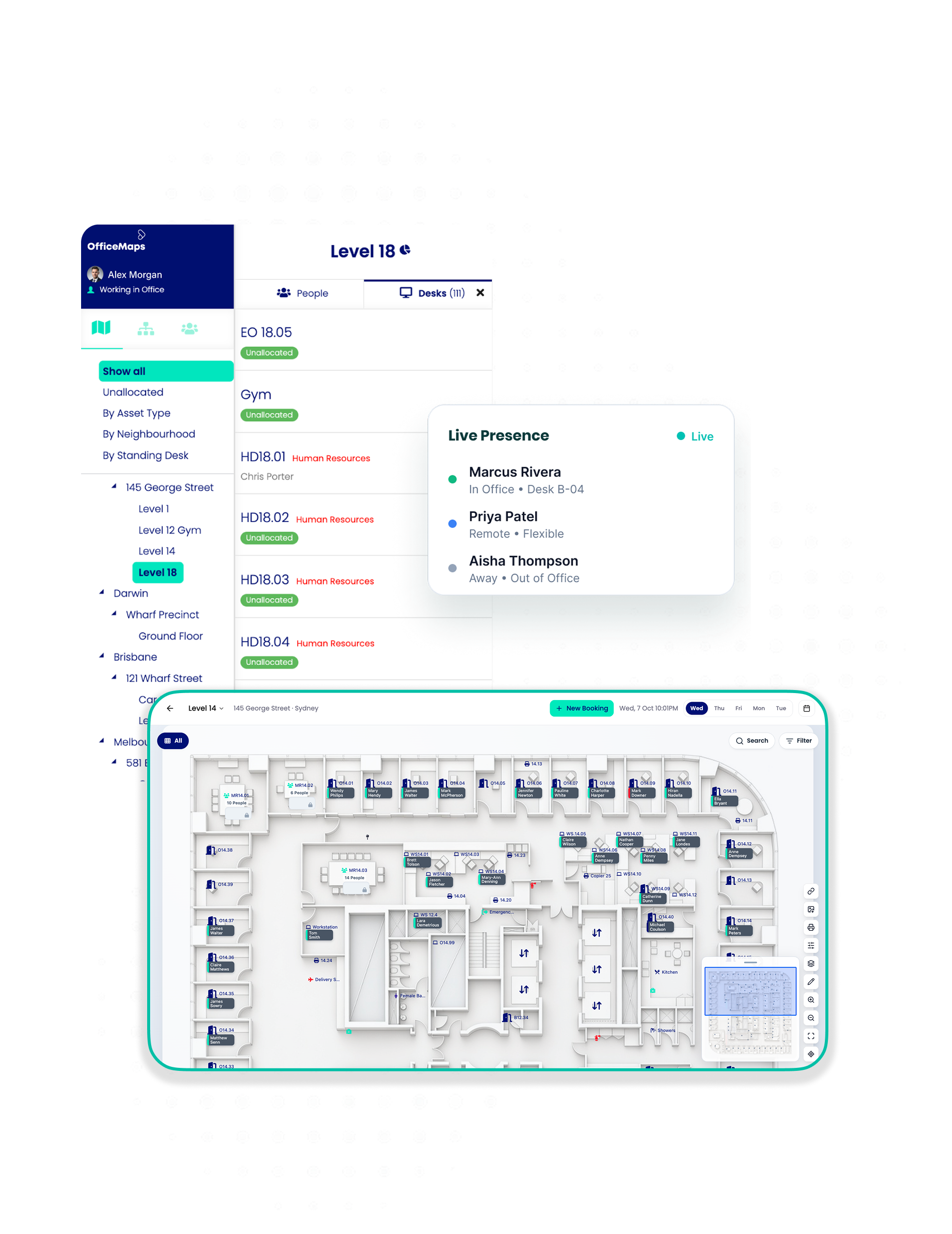
For organisations with multiple workplaces, planning an office day also means choosing where to work. OfficeMaps lets employees navigate different locations, see workplace information and book the resources they need across offices.
Workplace teams get one system for managing spaces across the organisation instead of separate processes for every location.
Everything behind better workplace scheduling
 Employee PresenceSee who is working from the office and where colleagues are located.
 Interactive Office MapsSee people, desks and workplace resources visually.
 Meeting SpacesFind shared spaces across the workplace.
 Booking ForecastsSee upcoming demand against available workplace capacity.
 Desk BookingReserve the right workspace for an upcoming office day.
 Car Park BookingReserve workplace parking as part of the office day.
 Multi-Location ManagementPlan and manage work across different offices.
 Workplace AnalyticsUnderstand how office attendance and space usage change over time.
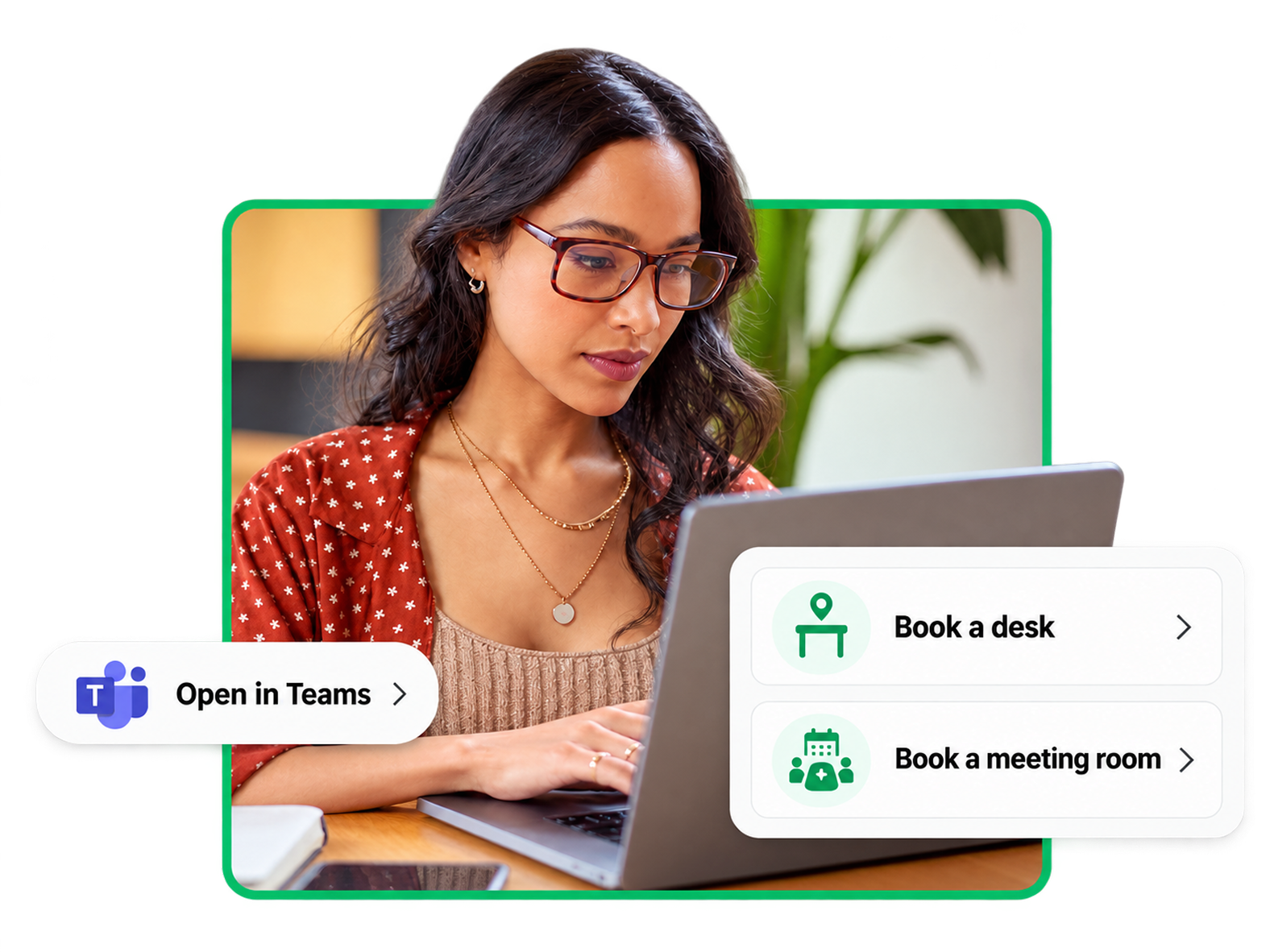
Workplace scheduling that works with Microsoft 365
OfficeMaps can be accessed through Microsoft Teams and Outlook, as well as web and mobile.
Employees can plan their workplace activity alongside tools already used throughout the workday instead of relying on another disconnected scheduling process.
Don’t just decide when to come in. Know what you’re coming into.
See your people. Check the space. Book what you need. Plan a better office day with OfficeMaps.