
Your workplace software should work with the tools you already use.
Connect OfficeMaps with your existing Microsoft environment to keep employee information updated, simplify account management, and bring workplace and calendar information together.
Your workplace is connected.
Your systems should be too.
Employee details change. New people join. Others leave. Meeting schedules move throughout the day.
When workplace information is managed separately from your organisation's
existing systems, keeping everything current becomes another administrative task.
OfficeMaps integrates with Microsoft identity, directory, and calendar services
to help keep workplace information connected and easier to manage.
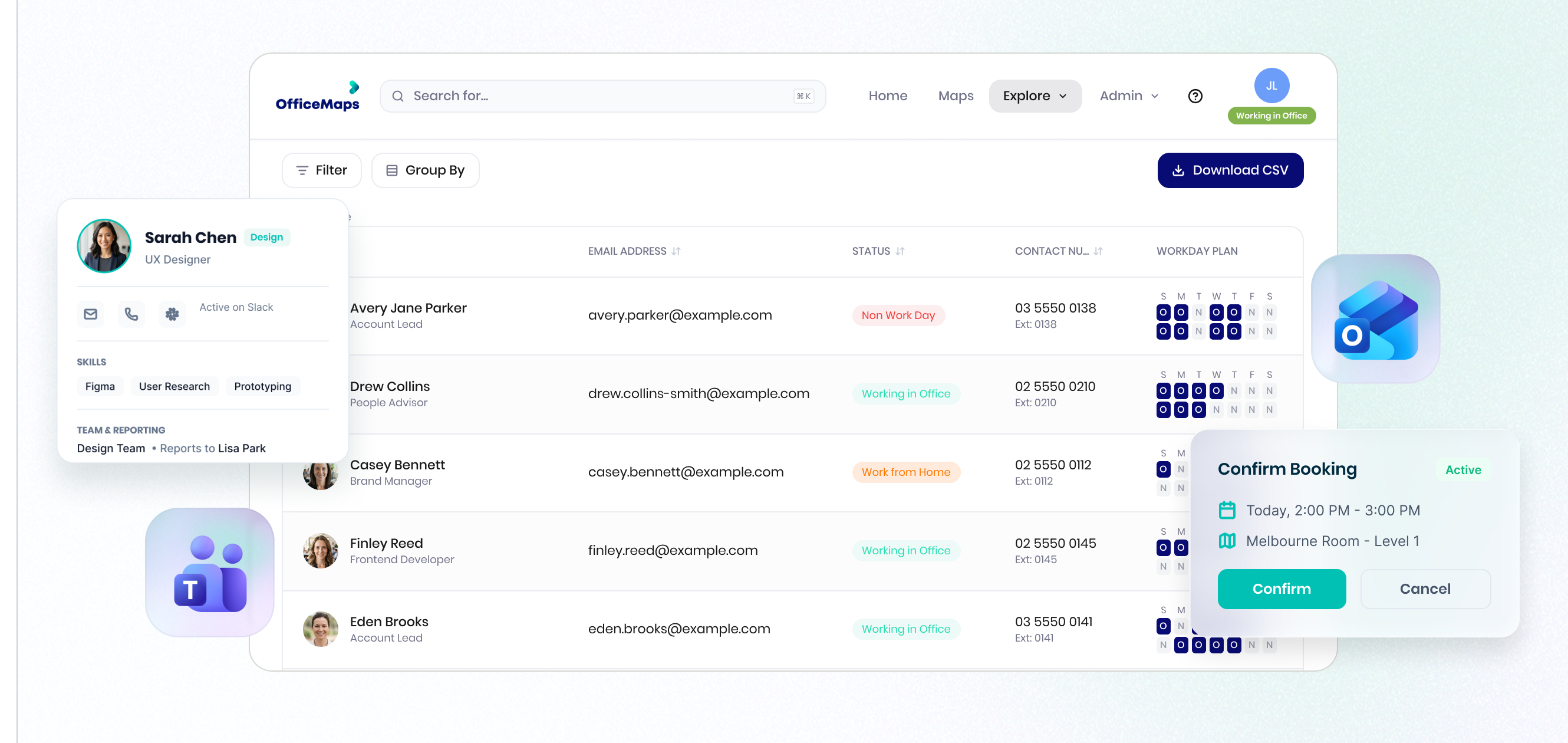
Connect the systems behind your
workplace.

Bring workplace information closer
to your everyday tools.
Connect OfficeMaps with your Microsoft environment to support employee authentication and access to employee and meeting room calendars.

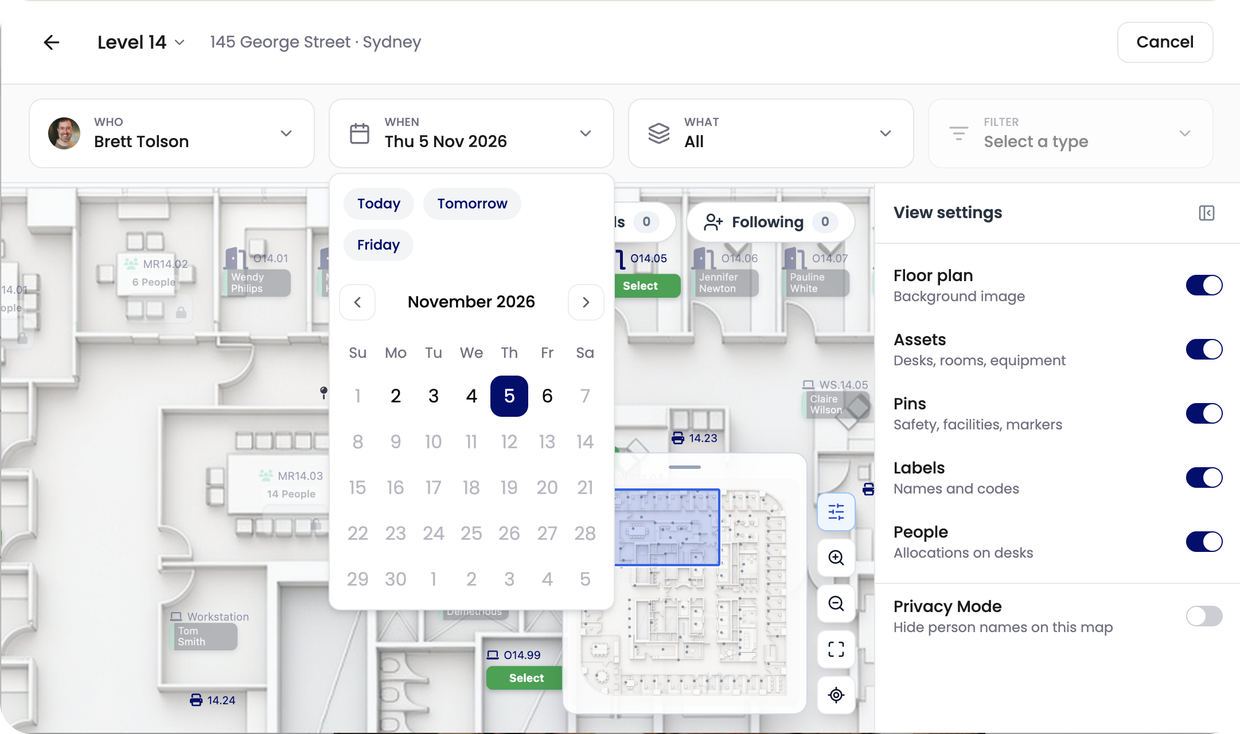

Keep your employee directory connected as your organisation changes.
Integrate OfficeMaps with Microsoft Entra ID, formerly Azure Active Directory, to synchronise employee information and simplify account administration.

Connect workplace spaces
with calendar information.
Integrate OfficeMaps with Microsoft Exchange to make employee and meeting room calendar information accessible alongside your office maps and directory.
Less manual administration.
More connected workplace information.
Every OfficeMaps plan includes the essentials to help your team get started and find support when needed.
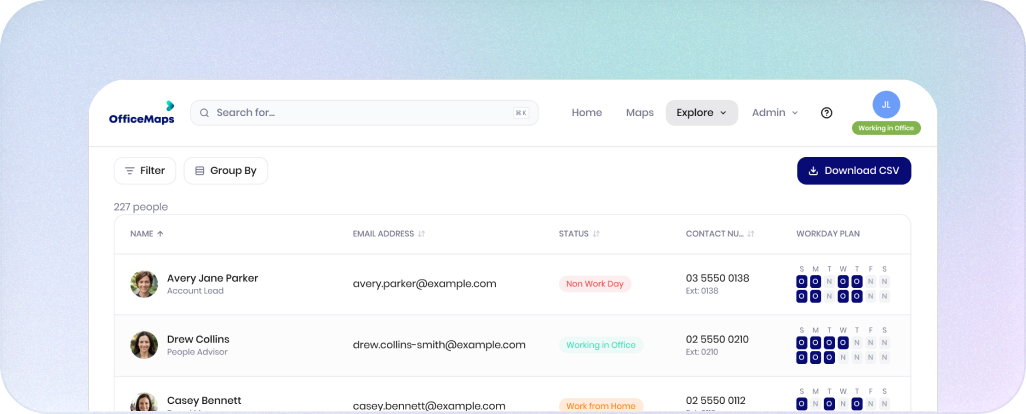

Keep employee details current
Synchronise employee information with your existing directory instead of maintaining separate records.
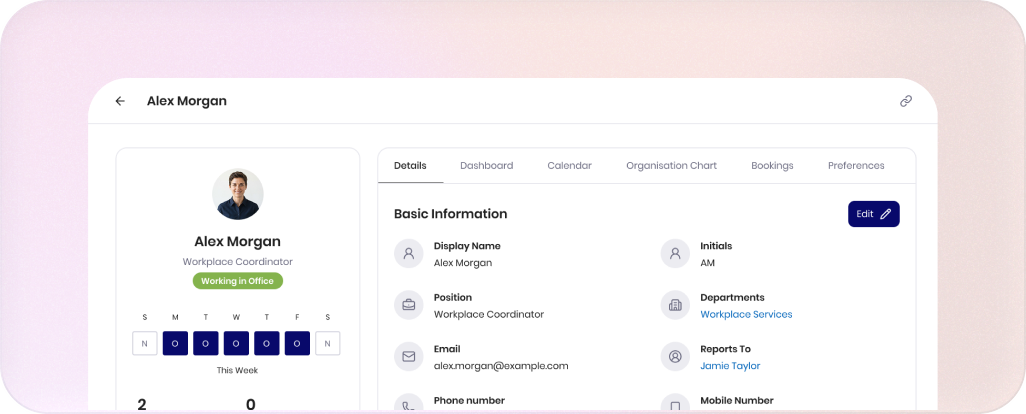

Simplify employee onboarding and offboarding
Support account creation and deactivation as employees join or leave your organisation.
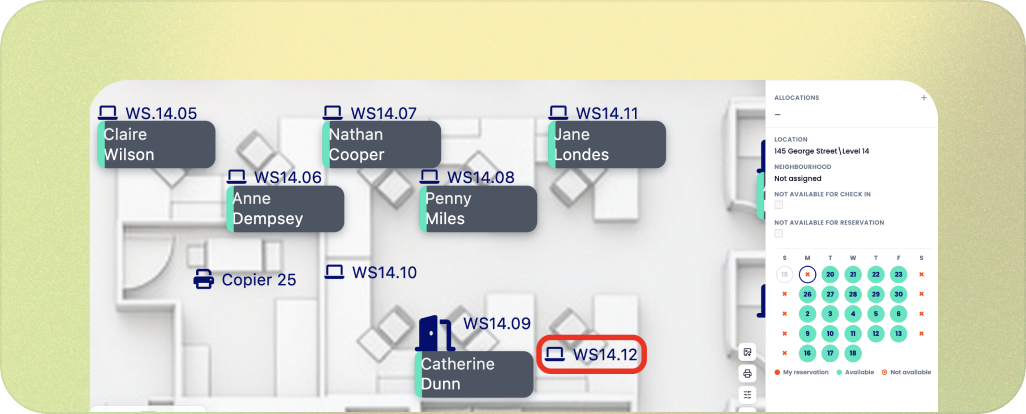

Make calendars easier to access
Bring employee and meeting room calendar information into your workplace management experience.
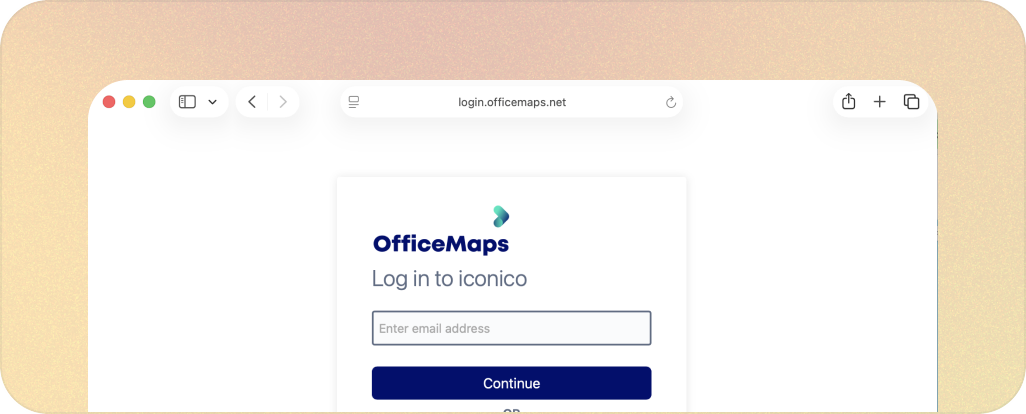

Work with existing credentials
Let employees access OfficeMaps through supported organisational authentication methods.
Connecting your workplace shouldn't mean starting from scratch.

Choose your integration
Identify the Microsoft directory, authentication, or calendar services your organisation uses.

Configure the connection
Connect the supported service to OfficeMaps using the appropriate administrator settings and permissions.

Keep workplace information connected
Use supported directory synchronisation, authentication, and calendar capabilities alongside your OfficeMaps workplace.
Keep your workplace connected to the systems that run it.
See how OfficeMaps works with your existing technology to simplify workplace administration and keep people, spaces, and information connected.