
Employee directory software that helps you actually find people
Search for a colleague. See whether they’re in the office or working remotely. If they’re in, see exactly where they’re sitting.
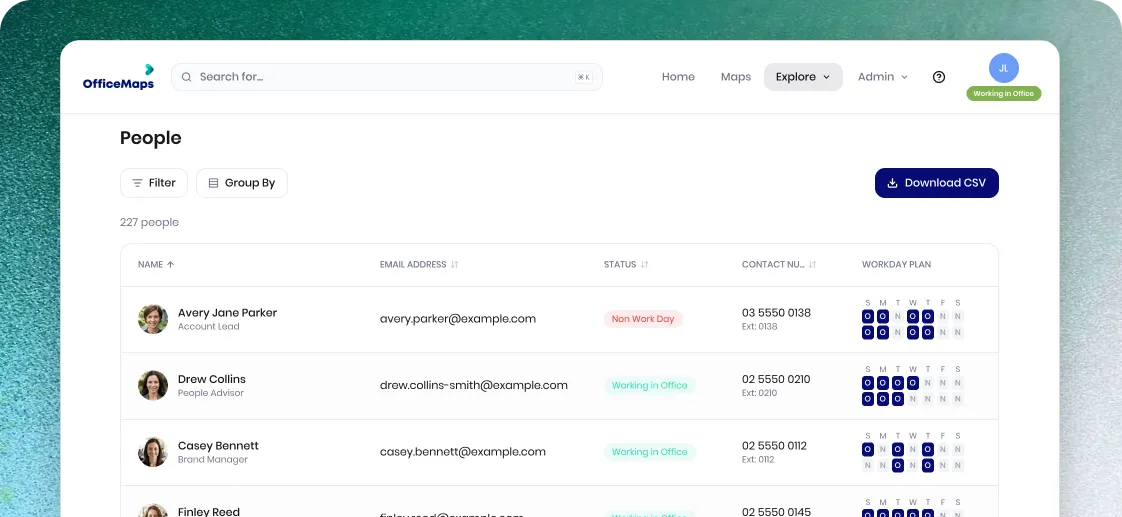
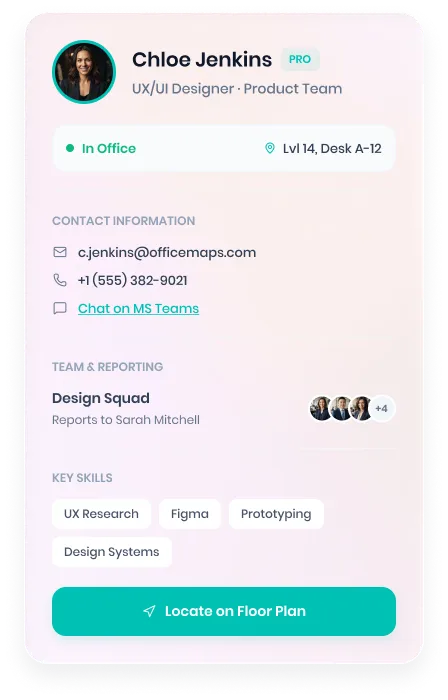
A name and job title only tell you so much
Traditional employee directories tell you who someone is. OfficeMaps helps you answer what comes next.
 Are they working from the office today?
- Where are they sitting?
- Which team are they part of?
- How do I contact them?
- What skills or expertise do they have?
OfficeMaps connects employee profiles with workplace presence and interactive office maps, so people are easier to find when you actually need them.
Search for a colleague. See where they are.
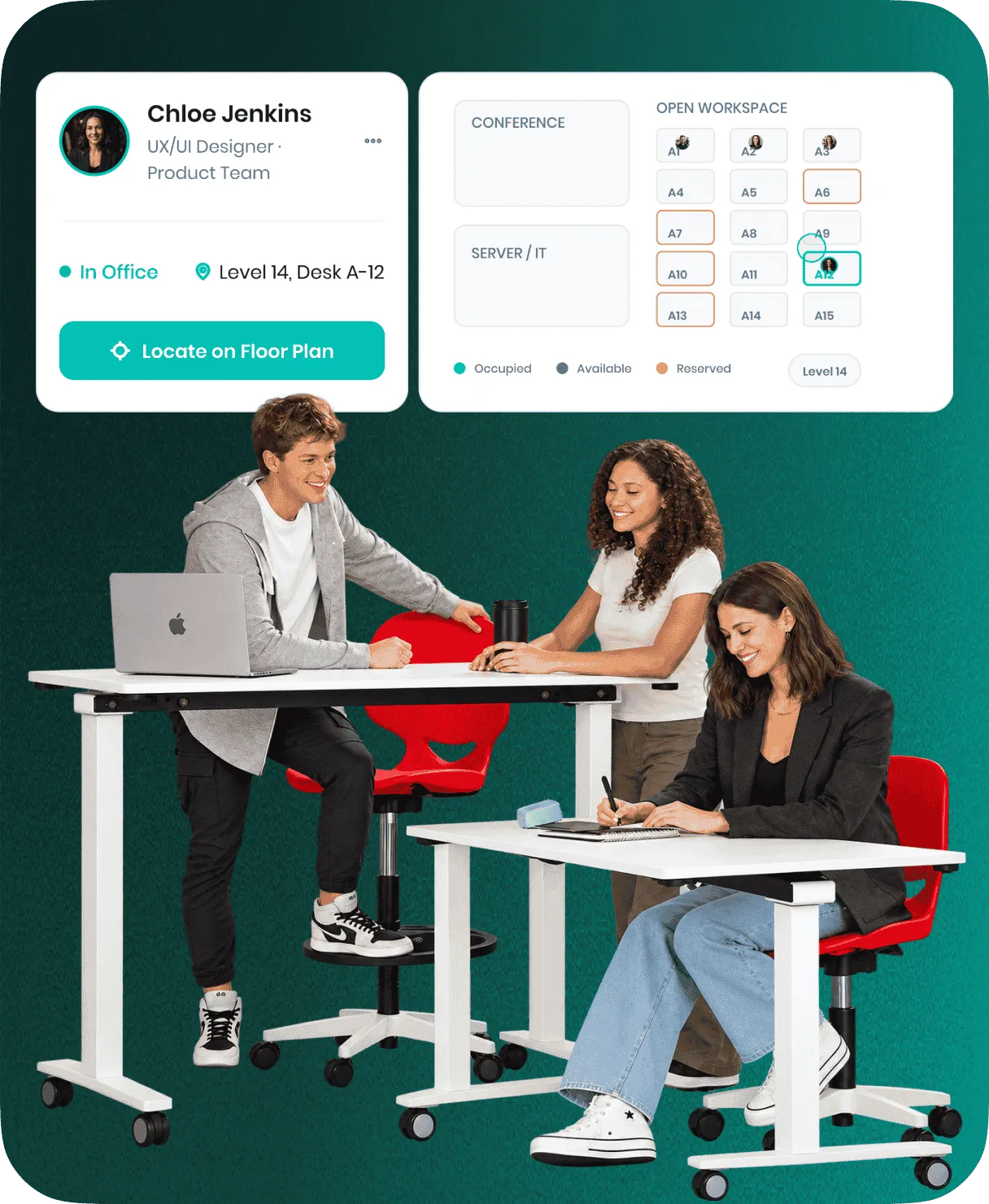
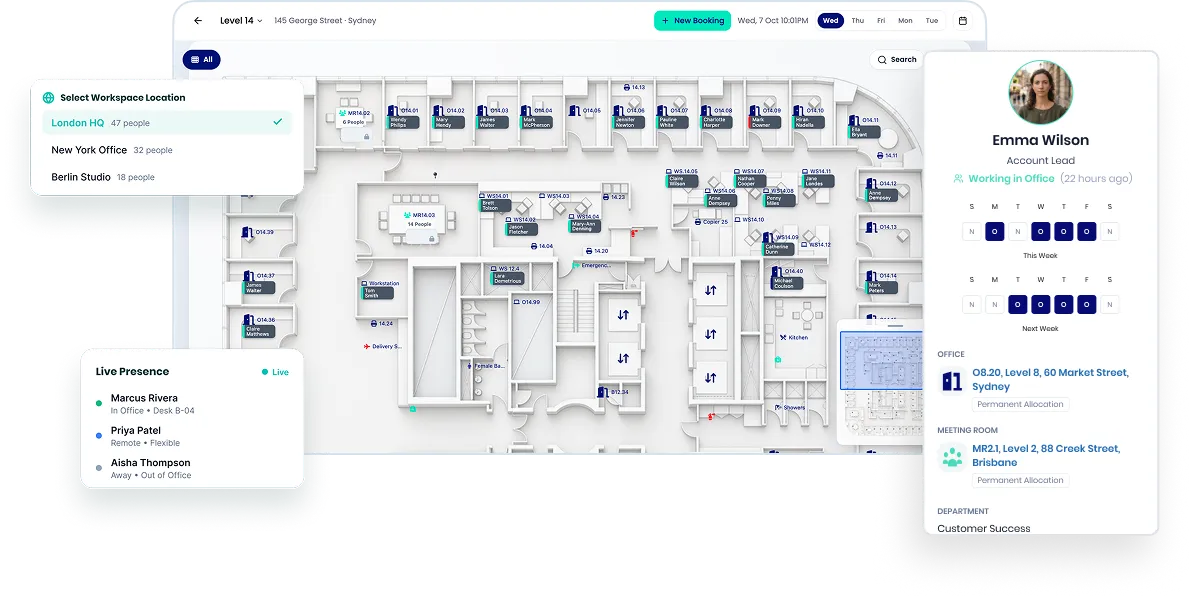
Need to catch up with someone? Search their name and see their current workplace status. If they’re in the office, OfficeMaps can show their location directly on the floor plan.
 No walking floor to floor
- No asking around
- No "Where are you sitting today?"
Know who’s in before you come in
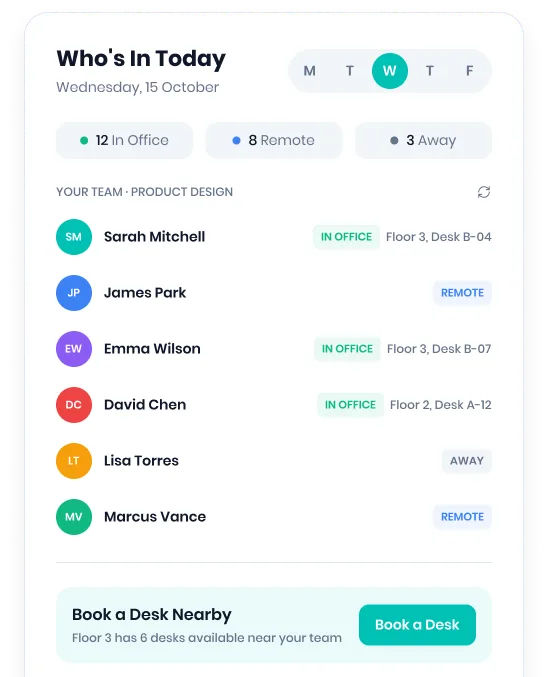
Hybrid work made the employee directory more important, not less. OfficeMaps lets employees see whether colleagues are working from the office or remotely before planning their own office day.
Find the people you need. Then book a desk nearby.
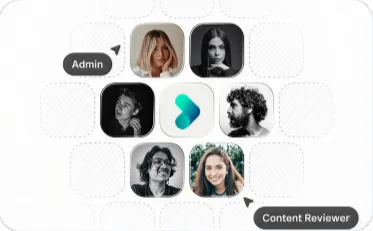
Put a face, role and expertise behind every name
Employee profiles can bring useful workplace information into one searchable directory.

Contact details
Find the information you need to reach a colleague.

Teams and departments
See where people sit within the organisation.

Skills and expertise
Find people based on what they know, not just their job title.

Workplace roles
Identify people such as first aid officers and fire wardens.

Work location
See whether someone is remote or in the office.
Your employee directory, on your Office Map
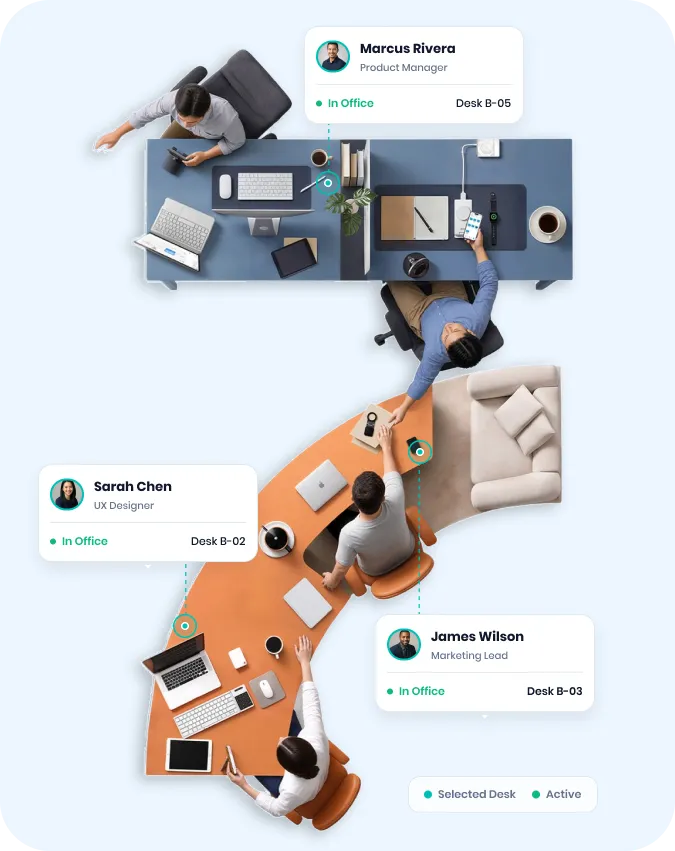
This is where OfficeMaps goes beyond a standard staff directory. Search for a person and locate them visually on your interactive office floor plan.
Employees can see where colleagues are sitting, understand which teams occupy different areas and navigate unfamiliar offices without needing to know desk numbers or floor layouts.
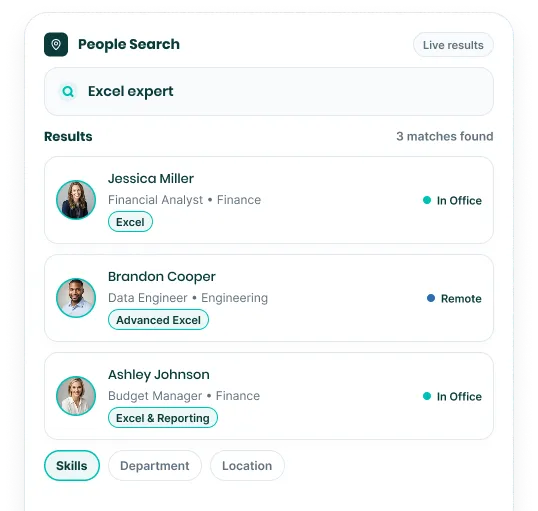
Useful when you know the person. Even better when you don’t.
- Need someone from Finance?
- Looking for an Excel expert?
- Trying to find a first aid officer?
OfficeMaps makes employee information searchable, helping people find the right colleague even when they don't already know who to ask.
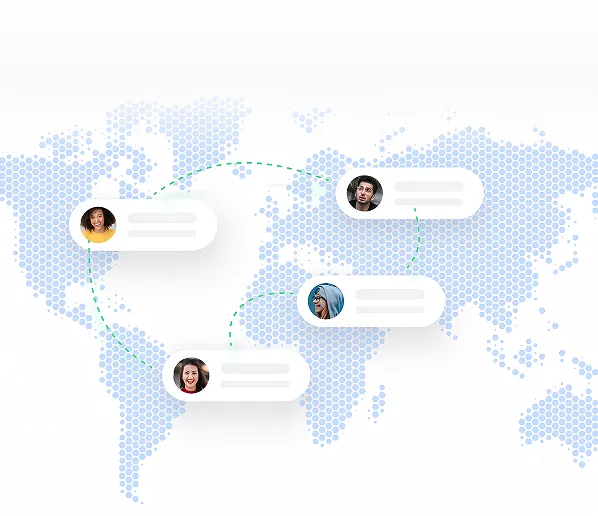
Built for workplaces with more than one office
Finding someone gets harder when your organisation spans multiple floors, buildings or locations.
OfficeMaps brings employee information and workplace location together, helping teams navigate people across the organisation from one directory.
Keep employee information connected to Microsoft 365
OfficeMaps can synchronise employee information with your Microsoft environment, reducing the need to maintain another disconnected staff directory.
Give employees access through the workplace tools they already use while connecting people information with OfficeMaps maps, bookings and workplace presence.
More than an employee directory
OfficeMaps connects your people directory with the rest of the workplace.
Employee Profiles
Keep useful employee information easy to find.
Employee Presence
See who is in the office and who is working remotely.
People Search
Find colleagues, teams, skills and workplace roles.
Interactive Office Maps
Locate employees visually across floors and offices.
Desk Booking
Find your colleagues, then reserve a desk nearby.
Multi-Location Management
Find people across different workplace locations.
Don’t just look someone up. Find them.
Know who’s in, where they’re sitting and who you need to talk to.