
Workplace management software that puts your whole office on the map
OfficeMaps shows you who's in, where they're working, what spaces are available, and how your office is actually being used.






Your office changes every day. OfficeMaps keeps it visible.
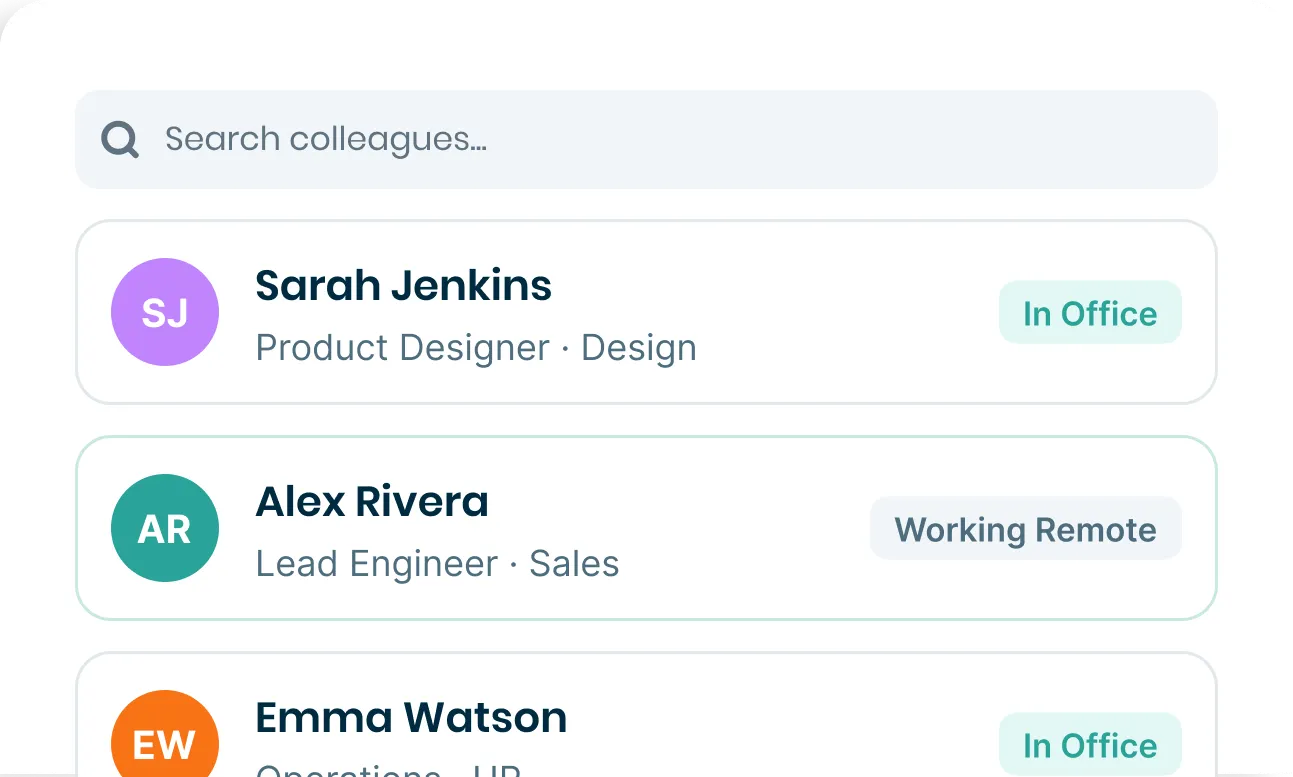
Who’s coming in tomorrow?
Where is the sales team sitting?
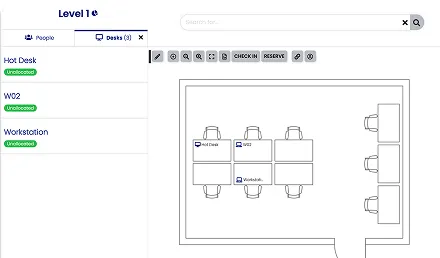
Which desks are free?
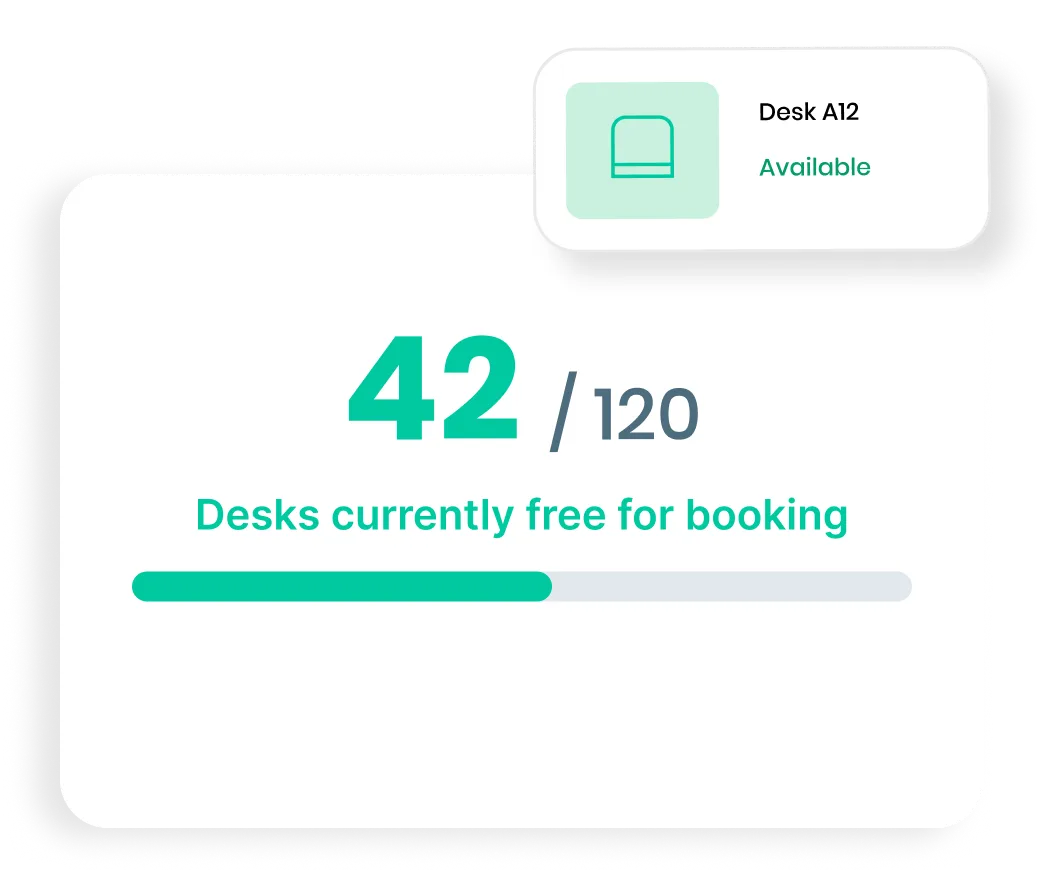
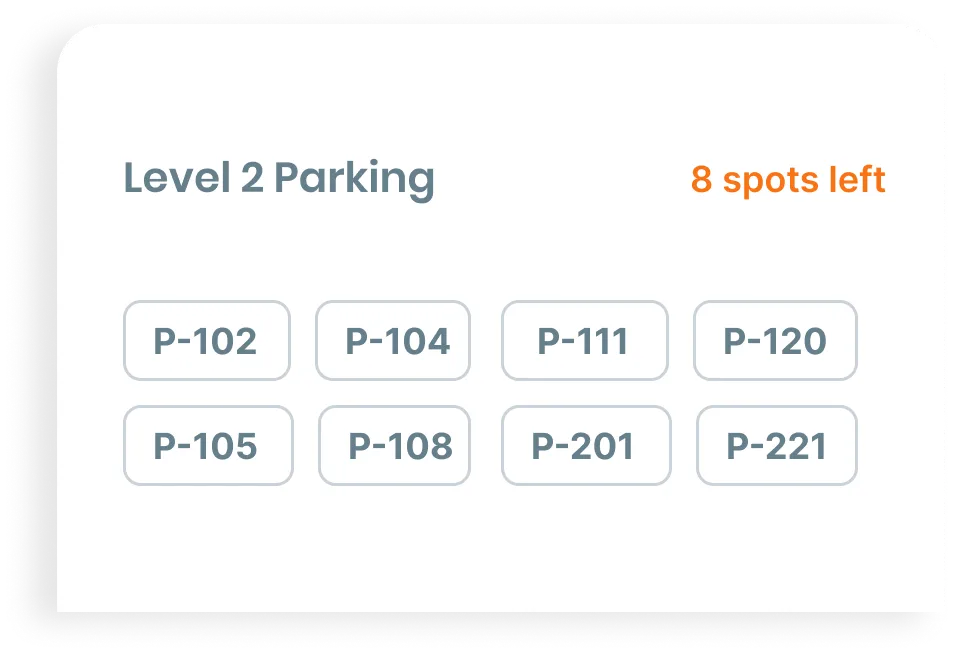
Where can I park?
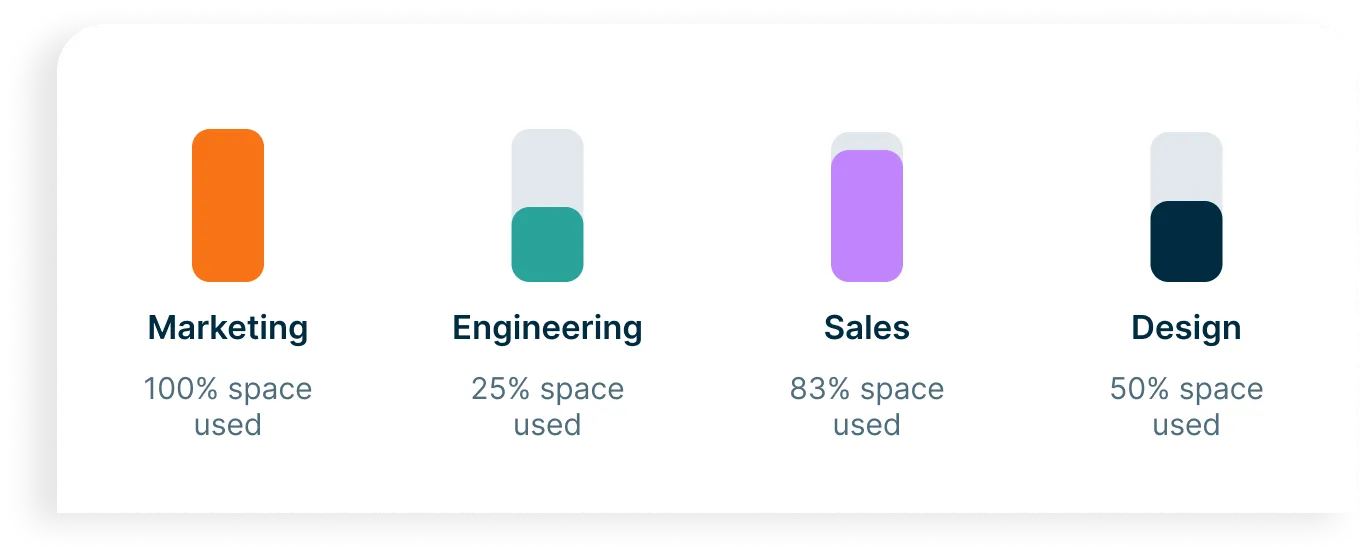
Why is one team out of space while another has 12 desks empty?
Book a desk. Find a colleague. Check in. Get to work.
For EmployeesManage spaces. Track occupancy. Understand utilisation. Plan with real data.
For Workplace TeamsBook the right space in seconds
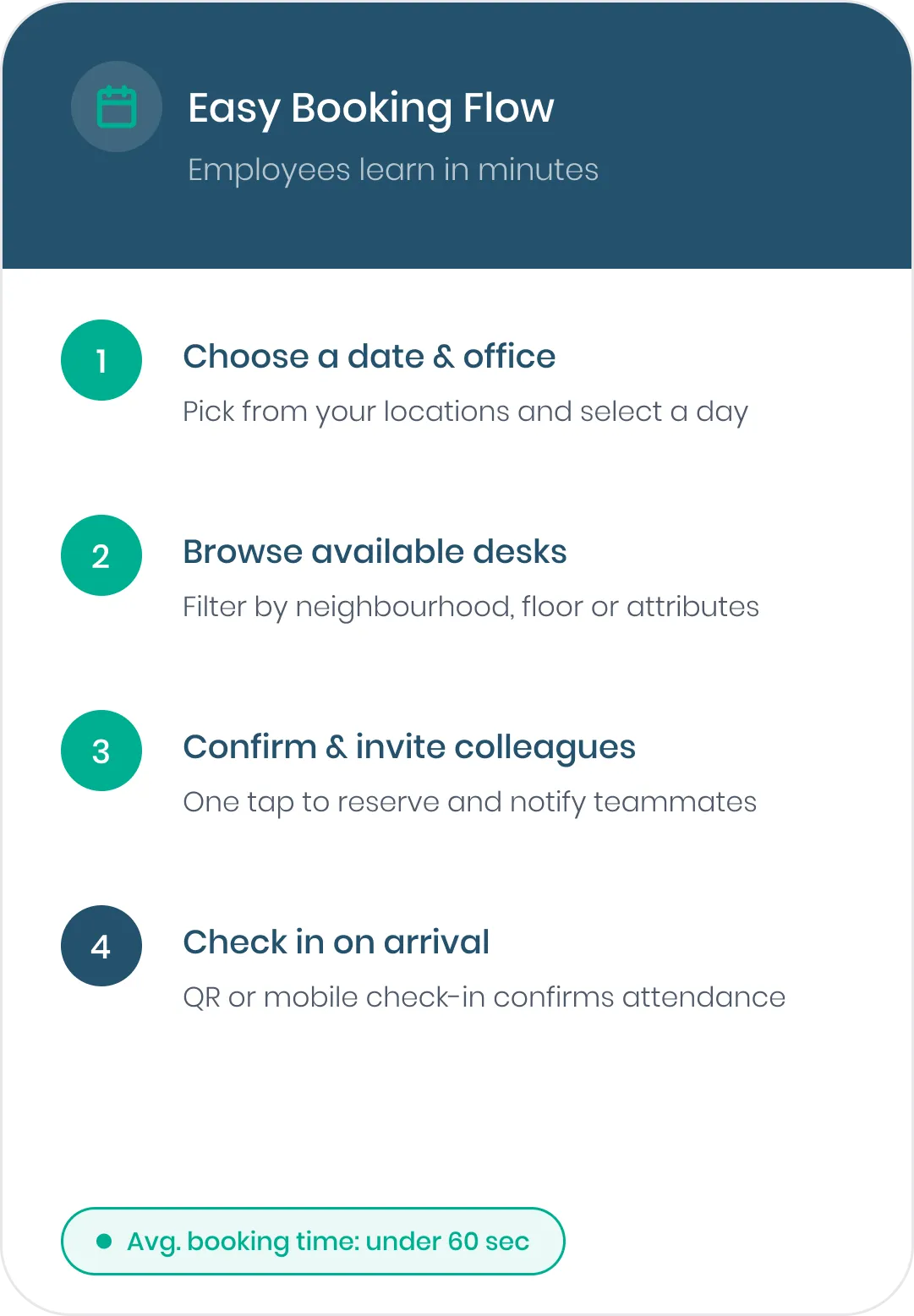
Find and book available desks, offices, meeting spaces and car parks from the web, mobile, Microsoft Teams or Outlook.
Filter by location, floor, equipment or accessibility needs, then book directly from the office map.
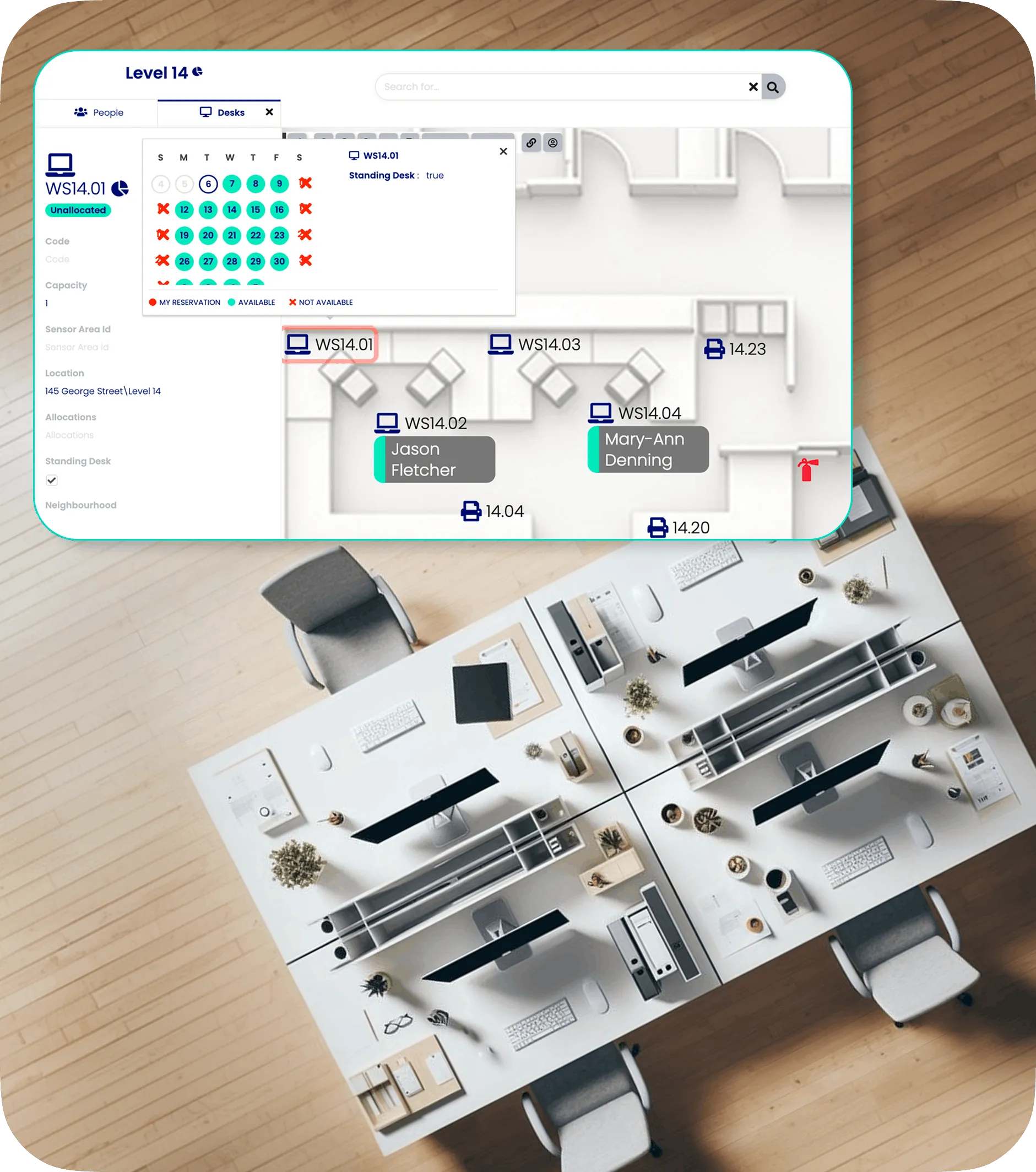
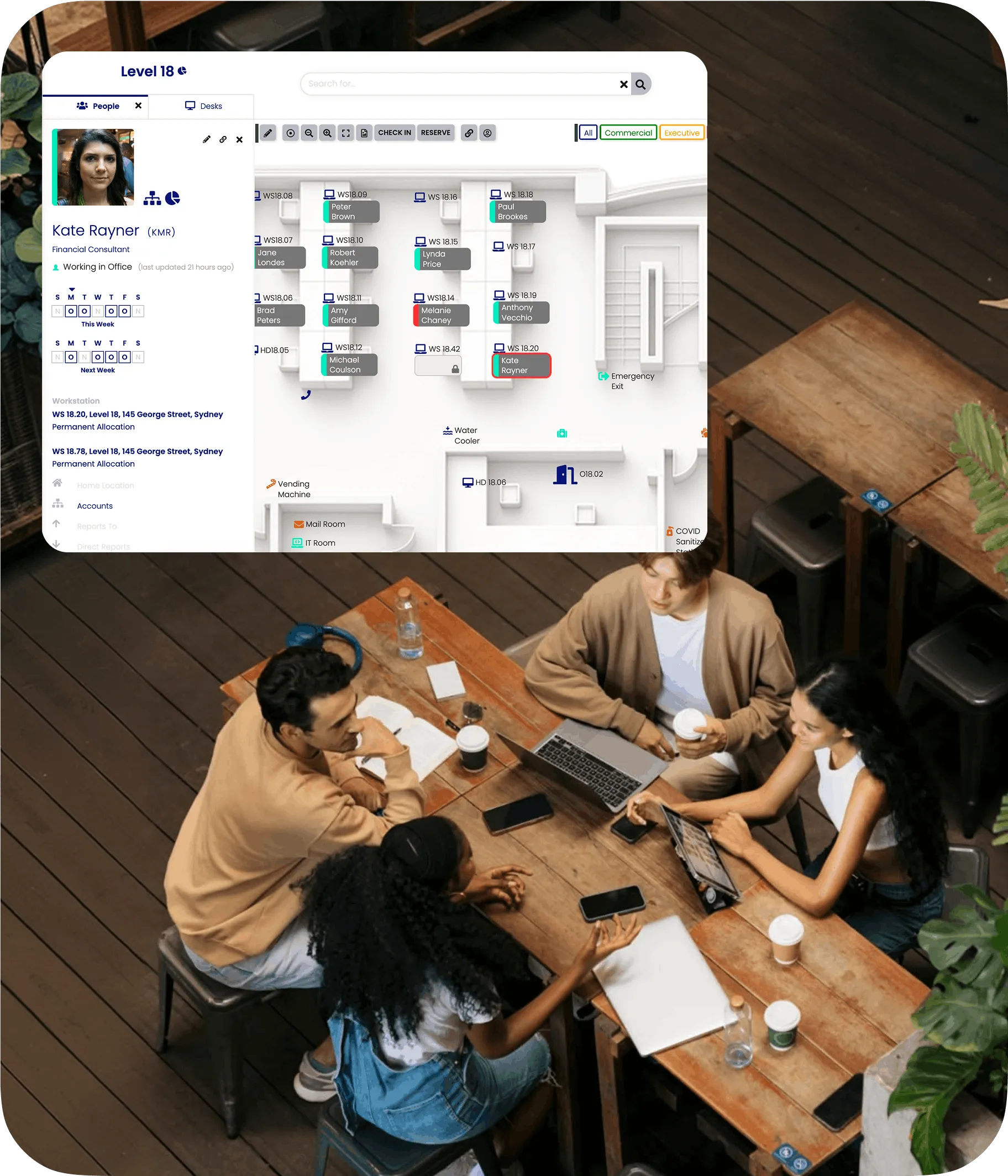
Find your people before you find a desk
See who is working from the office, who is remote and exactly where colleagues are sitting.
Employees can find the people they need and book nearby, making office days easier to coordinate and more useful when they happen.
See the office your data says you need
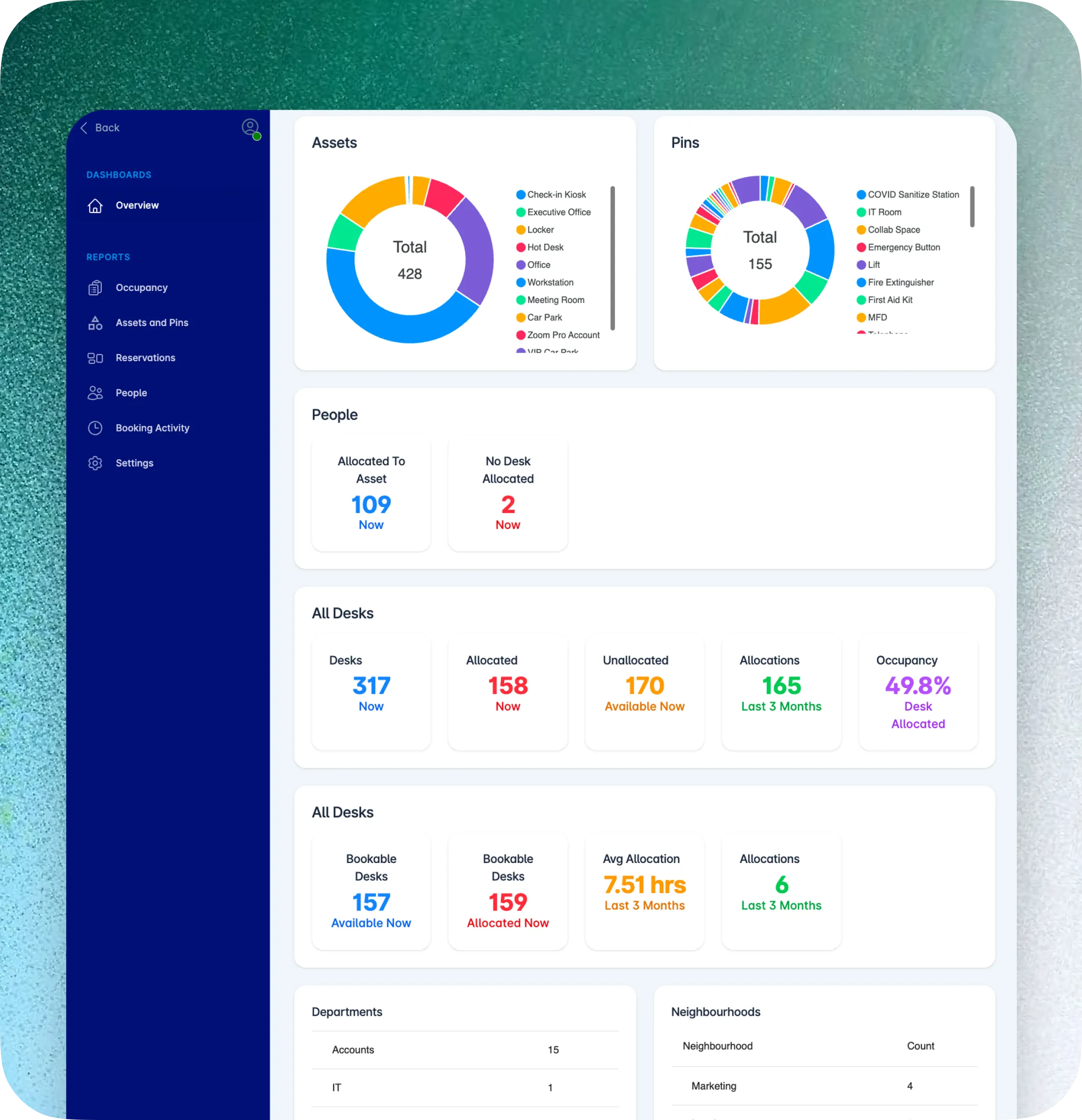
You have 120 desks. But how many are actually being used?
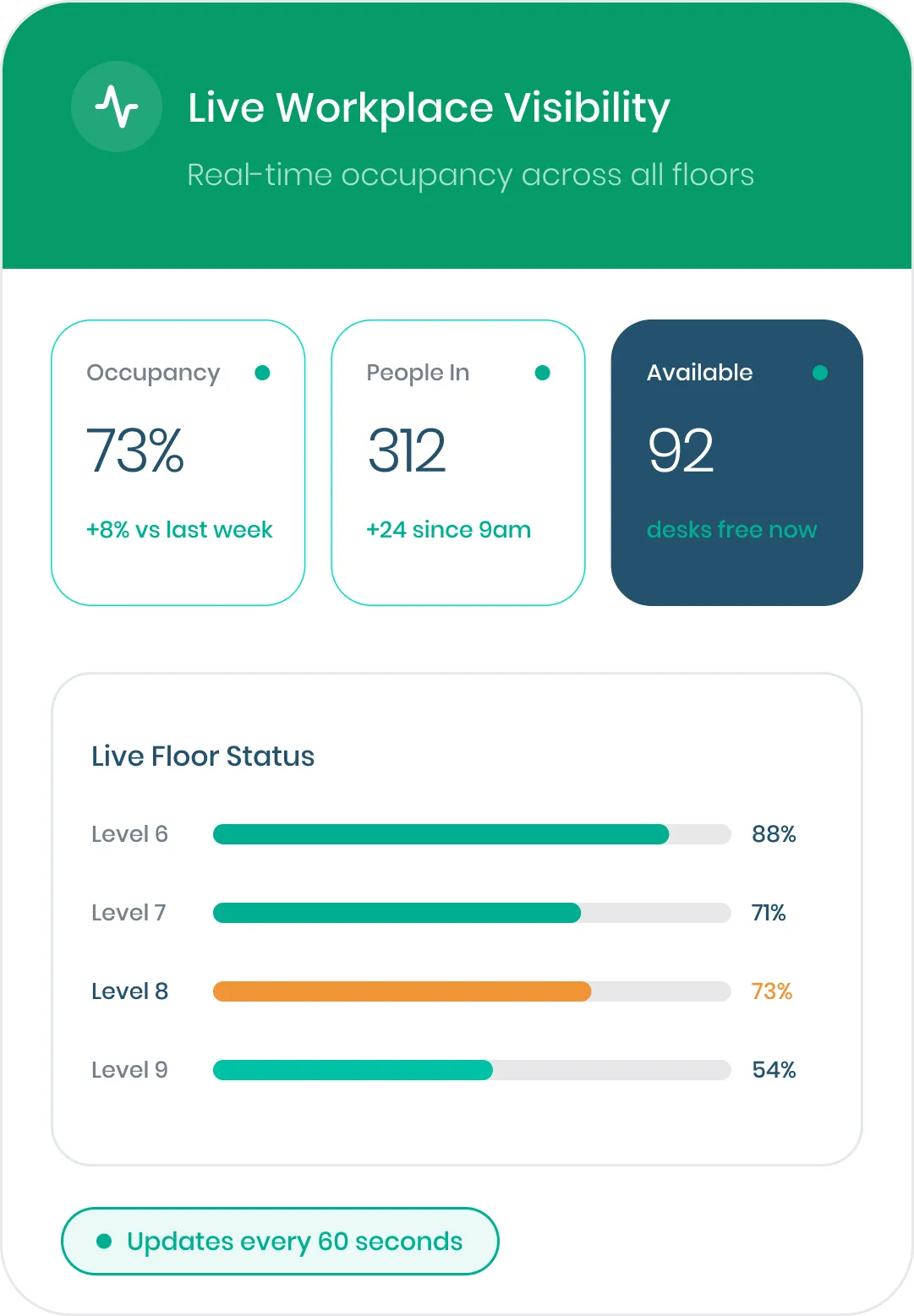
OfficeMaps shows occupancy and space utilisation by location, floor, team and neighbourhood, so workplace teams can see where space is full, where it sits empty and where allocations need to change.
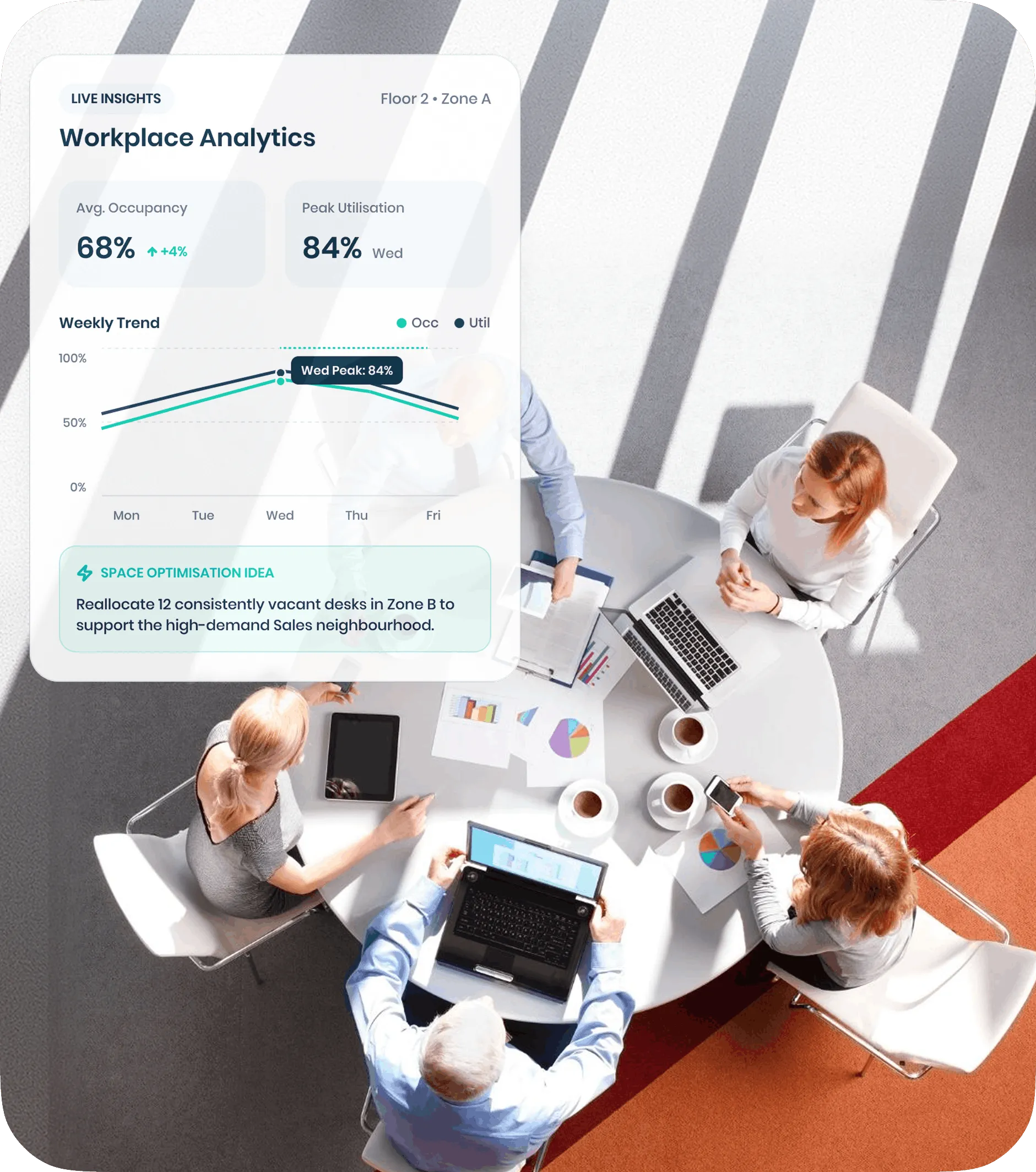
From “we think” to “we know.”

See occupancy patterns across the week.

Compare allocated space with actual utilisation.

Use occupancy data before adding, reducing or reallocating floors.
.svg)
Use check-ins to separate reservations from real attendance.
More than desk booking.
OfficeMaps connects the people, places and resources that make up your workplace.
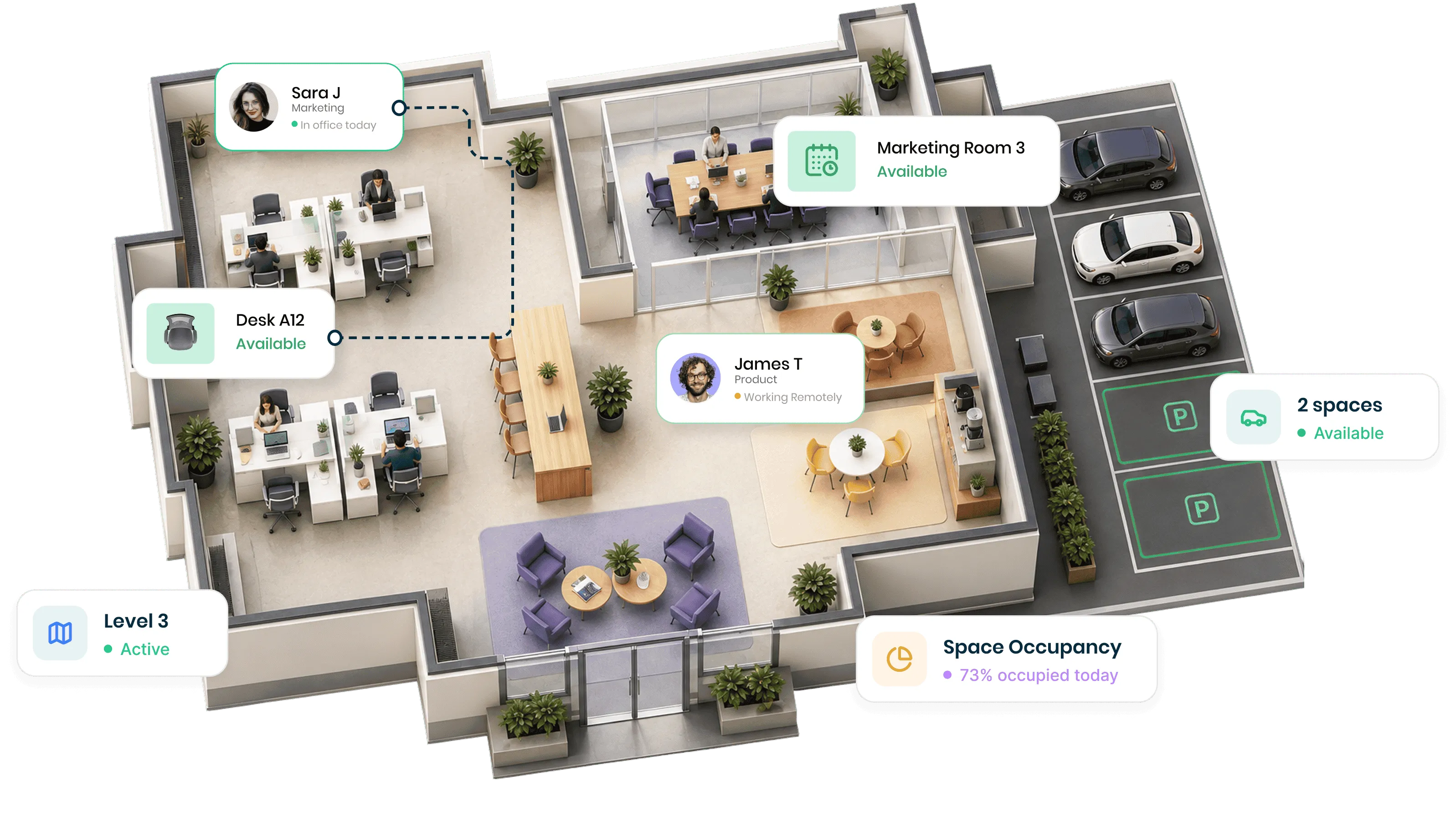
Book desks, rooms and workplace resources.
See how your workplace is actually being used.
Reserve parking before arriving at work.
Know who's in, remote or away.
See every floor, space, person and point of interest.
Keep teams together without permanently assigning every desk.
Move from one office to another without changing systems.
Already working in Microsoft 365? So does OfficeMaps.
Book a desk from Microsoft Teams or Outlook. Use OfficeMaps on web or mobile when you’re on the move.
One workplace experience without asking employees to learn another complicated system.

Easy enough for employees. Powerful enough for workplace teams.
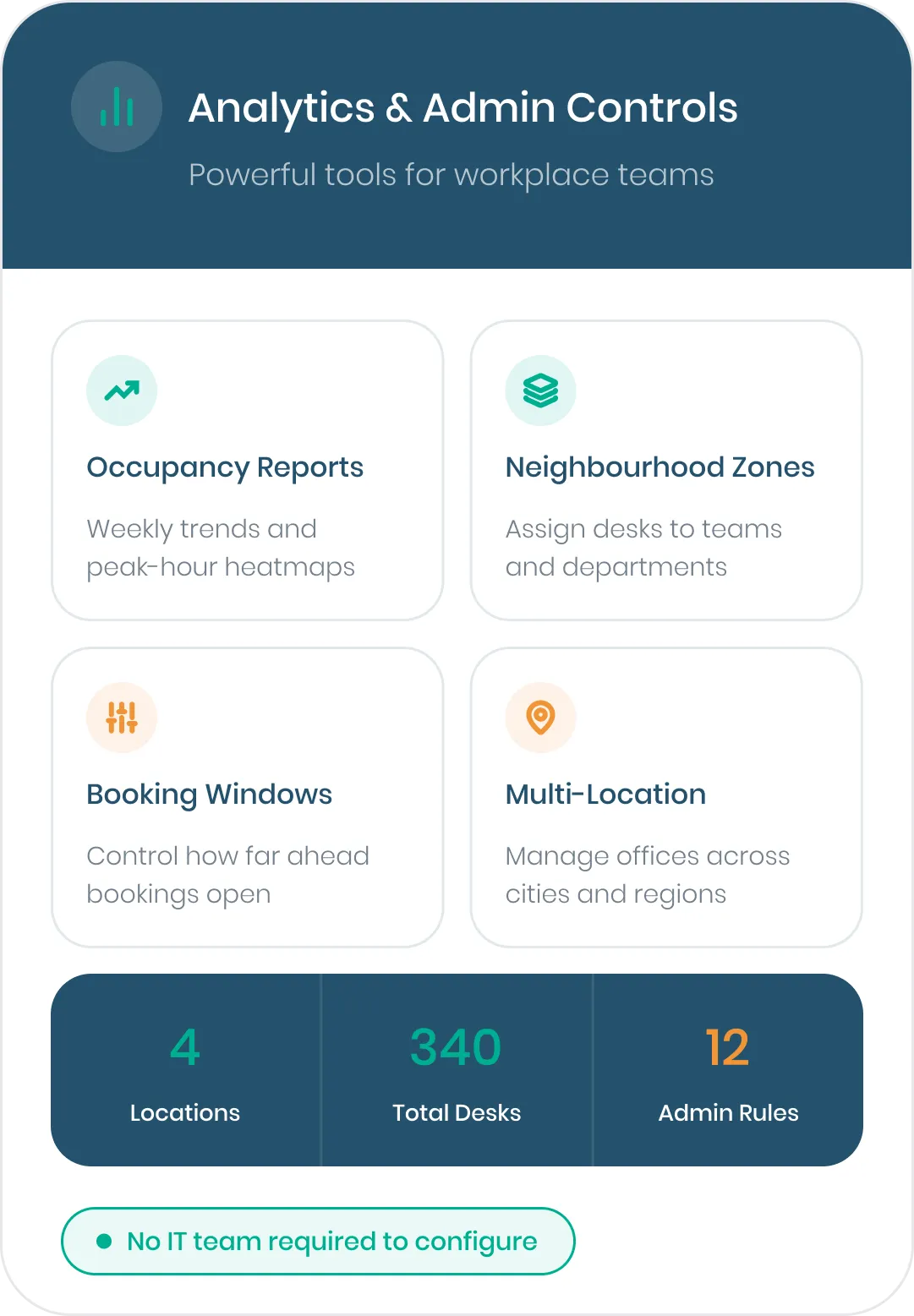
Employees can learn the basics in minutes. Workplace teams can control booking windows, neighbourhoods, desk attributes, check-ins, locations and reporting behind the scenes.
Start simple. Configure OfficeMaps around the way your organisation actually works.
Workplace management software for the people running the workplace
OfficeMaps helps organisations manage hybrid workplaces, office space and employee experience from one platform.
Facilities & Workplace Teams
Manage spaces, occupancy and workplace operations.
IT Teams
Give employees a workplace platform that works with Microsoft 365.
Government
Manage complex offices, teams and shared workplace resources.
Enterprise
Bring multiple locations and workplace data into one system.
Make your workplace easier to run. And easier to use.
Give employees a simpler office day and workplace teams the visibility to manage space with confidence.